
Smart Plugs Explained: What They Can and Can't Do
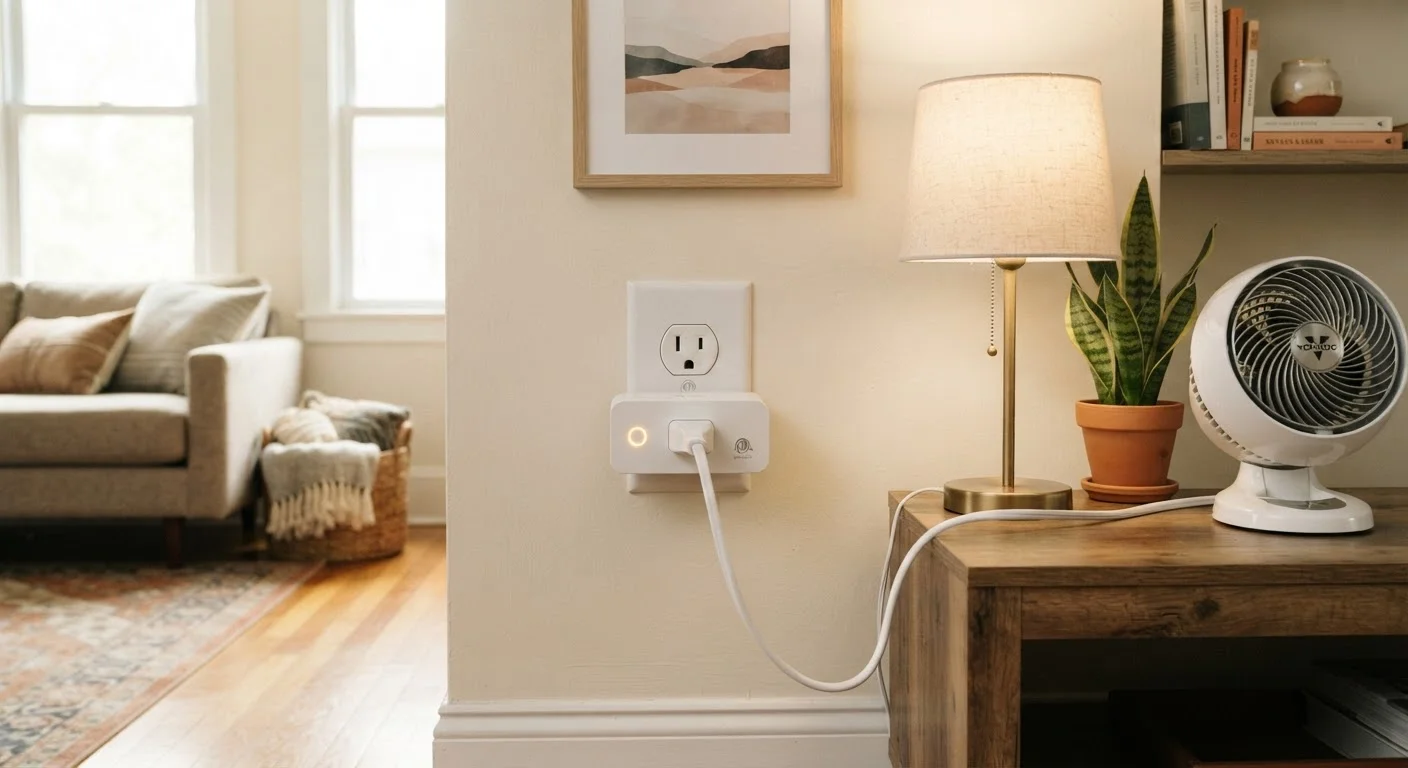
Photo credit: SyndicateExpert.com | Information At The Ready
In this article
Smart plugs can automate lamps and appliances, but they're not magic. Understand exactly what they control — and where they fall short.
Key Takeaways
- Smart plugs control power delivery to any device plugged into them — they don't control the device itself.
- They work best with simple on/off appliances like lamps, fans, and coffee makers.
- Scheduling and voice control are two of the most practical features smart plugs offer.
- Smart plugs cannot override a device's internal controls, settings, or safety features.
- They are not suitable for high-wattage appliances like space heaters unless specifically rated for the load.
What a Smart Plug Actually Does
At its core, a smart plug is a switchable power gate. It sits between your wall outlet and your appliance and controls one thing: whether electricity flows to that device or not. When you tell a smart plug to turn off, it cuts power. When you turn it on, power resumes. That's the entire mechanism.
This simplicity is both the strength and the limitation. Because the plug only manages power delivery, the connected appliance has to be something that responds predictably to power being restored. A table lamp with its switch left in the "on" position is a perfect candidate — cut the power and the light goes off; restore it and the light comes back on. A device like a window air conditioner that requires you to press a "Mode" button each time it's plugged in is a much worse fit.
For a broader look at how smart plugs fit alongside other home automation options, see our practical introduction to smart home devices.
1–2 W
Typical smart plug standby power draw
Most smart plugs consume between 1 and 2 watts continuously while in standby mode, according to general electrical specifications published by manufacturers.
~1,800 W
Common maximum wattage rating
Many consumer smart plugs are rated for loads up to approximately 1,800 watts or 15 amps, though ratings vary — always verify the spec sheet for the specific model you use.
1 device
Outlets controlled per standard smart plug
A standard single-outlet smart plug controls exactly one connected device; multi-outlet smart strips can manage several independently if they offer per-outlet switching.
What You Can Do With a Smart Plug
Despite their simplicity, smart plugs unlock genuinely useful capabilities:
- Remote on/off control: Turn appliances off from anywhere using a smartphone app — handy when you've left the house and can't remember if you switched off a fan.
- Scheduling: Program a coffee maker to start brewing before you wake up, or set a lamp to turn on at sunset automatically.
- Voice control: Pair a smart plug with a compatible voice assistant and manage devices hands-free.
- Energy monitoring: Some models track how much power a device draws in real time, helping you identify energy hogs.
- Routines and automation: Many smart home apps let you chain actions together — for example, turning on a fan whenever the temperature in a room reaches a certain level (if paired with a smart sensor).
These features make smart plugs a low-cost entry point into home automation without replacing appliances that still work perfectly well.
Where Smart Plugs Fall Short
Understanding the limits of smart plugs prevents frustration and avoids potential safety issues.
They don't control device settings. A smart plug can power a slow cooker on or off, but it can't change the temperature setting or cooking mode. If you want those controls, you need an appliance with built-in smart features.
High-wattage devices are a concern. Space heaters, large window AC units, and similar appliances can draw more power than many smart plugs are rated to handle safely. Exceeding a plug's wattage rating is a safety risk — always verify the ratings on both the plug and the appliance.
Devices with complex startup sequences won't cooperate. Anything that needs a button pressed to resume operation after a power interruption — certain printers, some TVs, or older electronics — won't turn on reliably just because the plug delivers power again.
Internet dependency is real. Most smart plug functionality depends on a working Wi-Fi connection. If your router goes down or your internet service is interrupted, remote control and voice commands typically stop working.
Check Wattage Before You Plug In
Every smart plug has a maximum wattage or amperage rating printed on its body or listed in its documentation. Before connecting any appliance, find its power draw — usually listed on a label on the back or bottom of the device — and confirm it falls within the plug's rated limit. When in doubt, leave high-draw appliances like space heaters and window AC units on standard outlets.
Getting the Most From a Smart Plug
The appliances that pair best with smart plugs are lamps, fans, phone charger strips, holiday light strands, small space humidifiers, and countertop appliances like coffee makers or toasters — all of which resume normal operation as soon as power is restored.
Before setting up a smart plug, confirm two things: that the appliance's wattage falls within the plug's rated capacity, and that the device doesn't require manual input to restart. From there, start with one straightforward automation — a lamp on a sunrise-to-sunset schedule, for example — and expand from there as you get comfortable with how your app and assistant work together.
Smart plugs represent one of the most accessible ways to dip into home automation without a large investment or significant setup effort. Knowing exactly what they can and can't control is what turns a small, inexpensive device into a genuinely useful part of your home.
Frequently Asked Questions

Author
Tech & Devices Editorial Team
Tech & Devices Editorial Team is the collective byline for our editorial team and contributor network. Articles published under this byline or an editorial pen name are researched, written, and reviewed according to our editorial standards for clarity, consistency, and independence before publication.
View all articles →