
A Practical Introduction to Smart Home Devices for First-Time Buyers
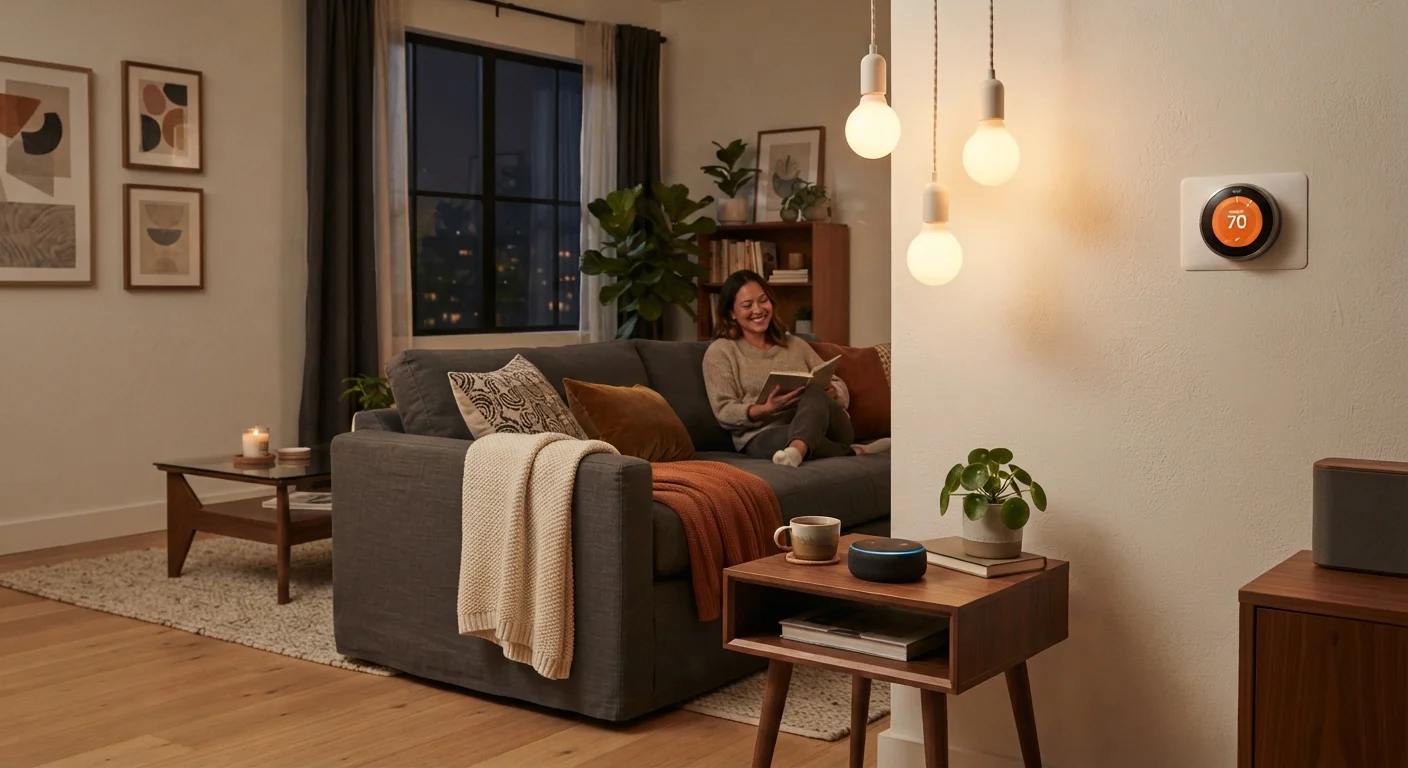
Photo credit: SyndicateExpert.com | Information At The Ready
In this article
Smart bulbs, thermostats, and speakers all sound appealing — but where do you actually start? This guide covers the fundamentals before you buy anything.
Key Takeaways
- Smart home devices connect to your Wi-Fi and can be controlled by an app or voice — no rewiring required for most.
- Starting with one or two devices is more practical than outfitting your entire home at once.
- Ecosystem compatibility matters: devices from different manufacturers don't always work together seamlessly.
- Smart devices collect data — reviewing privacy settings before setup is an important step.
- A stable home Wi-Fi network is the single most important foundation for any smart home setup.
What 'Smart Home' Actually Means
A smart home is simply a residence where everyday devices — lights, thermostats, door locks, speakers — connect to your home Wi-Fi network and can be controlled remotely through an app or by voice. There's no single standard setup, and you don't need to automate every room to qualify. A single smart bulb in a bedside lamp is a starting point as legitimate as any other.
The appeal is convenience: adjusting your thermostat from the couch, turning off lights you forgot about without getting up, or checking whether you left the garage door open after you've already left. These aren't revolutionary changes, but they're genuinely useful ones — particularly for people who want more control over their home's energy use or routine.
Smart home ecosystem
A connected platform — such as Amazon Alexa, Google Home, or Apple HomeKit — that lets different smart devices communicate and be controlled in one place.
Wi-Fi range extender
A device that amplifies your router's wireless signal to reach areas of your home with weak coverage, which is often needed for smart devices in distant rooms.
Firmware
The built-in software on a device that controls how it operates. Manufacturers release firmware updates to fix bugs and improve security.
Voice assistant
A software program — such as Amazon Alexa, Google Assistant, or Apple Siri — that responds to spoken commands and can control compatible smart devices hands-free.
Smart hub
A central device or app that connects multiple smart home products from different brands, allowing them to work together under one interface.
Matter standard
A universal compatibility standard launched in 2022 that allows smart home devices from different manufacturers to work together more reliably, regardless of ecosystem.
The Most Useful Entry-Level Devices
Not every smart device delivers equal value. The following categories tend to offer the clearest practical benefit for first-time buyers:
- Smart bulbs: Screw into standard light sockets and connect to Wi-Fi or a small bridge device. They can be dimmed, scheduled, or controlled by voice — no rewiring required.
- Smart plugs: Plug into an existing outlet and make any lamp, fan, or appliance remotely switchable. These are among the most affordable and lowest-commitment entry points.
- Smart thermostats: Replace your existing thermostat and learn your schedule over time, potentially reducing energy waste. Installation is straightforward for most forced-air systems, though some older or more complex systems may need a professional.
- Smart speakers: Serve as the control center for a voice-driven setup. They handle music, timers, reminders, and device control — and can work as a standalone device even if you have nothing else smart in your home yet.
If you're also exploring connected entertainment, streaming sticks and smart TVs are another common entry point worth understanding before you buy.
Understanding Ecosystems and Compatibility
The most underestimated variable in smart home shopping is ecosystem compatibility. The major platforms — Amazon Alexa, Google Home, and Apple HomeKit — each have their own strengths, and devices certified for one platform may not work at all with another.
Before purchasing anything, identify which platform, if any, you already use. If you have an iPhone and use Siri regularly, HomeKit-compatible devices will integrate more naturally. If you already own an Amazon Echo speaker, Alexa-compatible devices are the logical starting point.
Not All Devices Play Well Together
Buying devices from multiple brands without checking compatibility is one of the most common first-time mistakes. A smart plug from one manufacturer may not integrate with a voice assistant from another. Always verify compatibility before purchasing, and consider choosing devices that support the Matter standard for the broadest interoperability.
The Matter standard — a cross-industry compatibility protocol — is gradually making it easier to mix devices from different manufacturers. When evaluating devices, check whether Matter support is listed, as it provides greater flexibility going forward.
Privacy and Security Considerations
Smart devices are internet-connected, which means they collect and transmit data. A smart speaker, by design, listens for a wake word — that's a trade-off worth understanding consciously. Similarly, a smart doorbell camera stores footage somewhere, either locally or in the cloud.
Before setting up any device, take a few minutes to review its privacy settings in the app. Disable data sharing options you're uncomfortable with, use a strong and unique password for your account, and enable two-factor authentication where available. Keeping device firmware updated is also important, as updates often include security patches.
For a broader foundation in digital security habits, the guide on staying safe online is a practical companion read.
Audit Your Wi-Fi Before Buying Anything
Before purchasing any smart device, test your Wi-Fi signal strength in the rooms where you plan to use them. A weak or inconsistent connection is the leading cause of frustration with smart home devices. If your router is more than four or five years old, consider upgrading it first — a reliable network is the foundation everything else depends on.
How to Start Without Overspending
The smart home category is filled with appealing products, and it's easy to overbuy before you understand what you actually want. A measured approach avoids both buyer's regret and a drawer full of gadgets that didn't fit your life.
Start with one device that solves a genuine friction point. If you always forget to adjust the heat before bed, a smart thermostat is a meaningful addition. If you'd simply like more convenient lighting in one room, a smart bulb or two is a low-cost experiment. Live with it for a month before expanding.
Renters Have Options Too
You don't need to own your home to benefit from smart devices. Many options — including smart bulbs, smart plugs, and portable speakers — require no permanent installation and can move with you. If you're considering a smart thermostat or wired light switches, check your lease agreement and consult your landlord first, since these involve modifying fixed fixtures.
Smart home devices are a convenience purchase, not a financial strategy — if you're still working on foundational money habits, it's worth considering those first. Resources on budgeting basics can help you think through discretionary spending before adding new recurring costs like cloud subscriptions some devices require.
The goal isn't a fully automated home — it's a home where the technology you add actually earns its place in your daily routine.
Frequently Asked Questions

Author
Tech & Devices Editorial Team
Tech & Devices Editorial Team is the collective byline for our editorial team and contributor network. Articles published under this byline or an editorial pen name are researched, written, and reviewed according to our editorial standards for clarity, consistency, and independence before publication.
View all articles →