
Streaming Sticks, Boxes, and Smart TVs: Understanding the Actual Differences
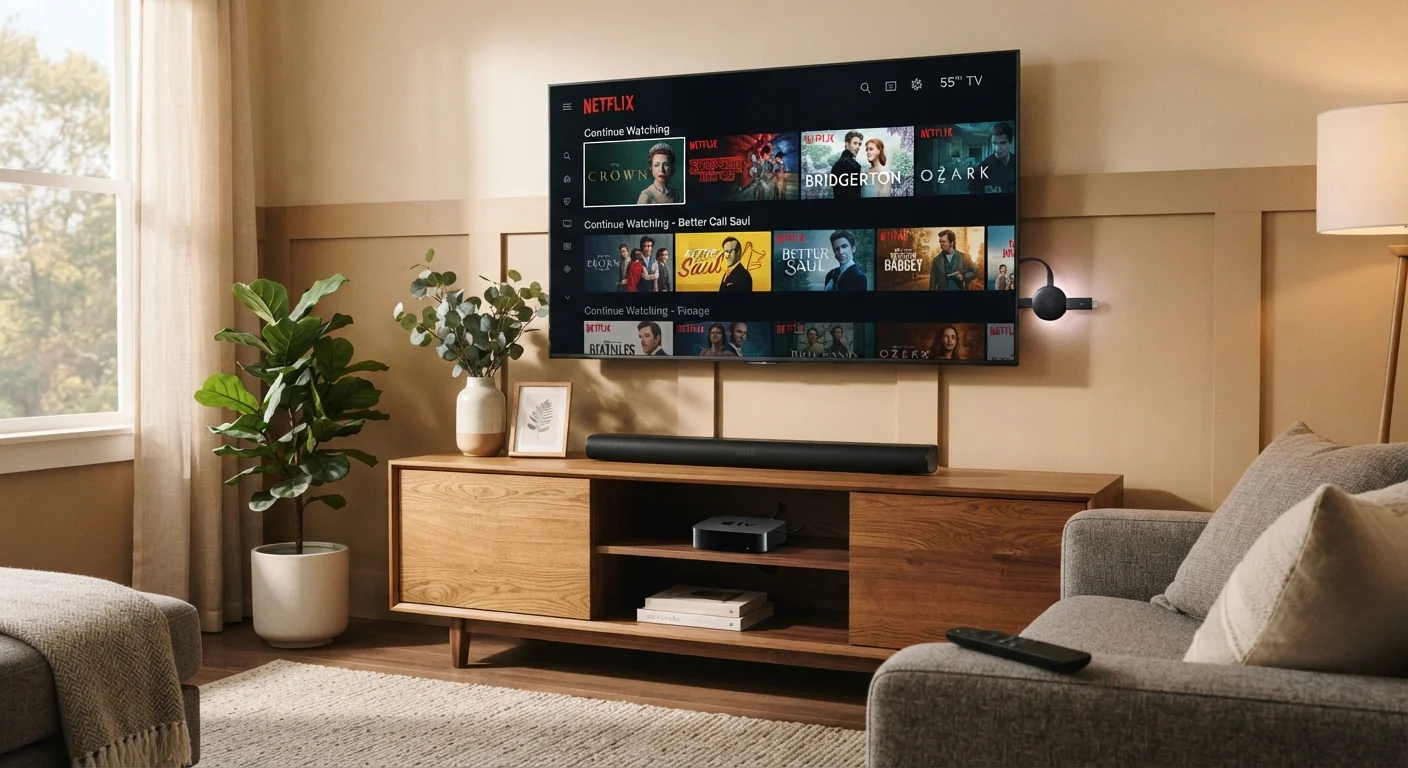
Photo credit: SyndicateExpert.com | Information At The Ready
In this article
The streaming device market is crowded and confusing. Here's what separates each form factor and what actually matters for everyday viewing.
Key Takeaways
- Streaming sticks are the most portable and affordable option, but depend on your TV's USB port for power and processing speed.
- Dedicated streaming boxes typically offer more processing power, storage, and connectivity options than sticks.
- Smart TVs eliminate extra hardware but often receive software updates less frequently than standalone devices.
- The "best" choice depends on your existing setup, not on which device costs the most.
- All three form factors access the same major streaming services — differences lie in performance, flexibility, and longevity.
Why the Form Factor Actually Matters
Walk into any electronics retailer and you'll encounter shelves full of streaming devices that, on the surface, appear to do the same thing. They all let you watch Netflix, Disney+, or YouTube on your television. The packaging rarely explains why you'd pick one over another — and that gap in explanation costs people real money and real frustration.
The distinction isn't really about which services you can access. Nearly every form factor supports the same major streaming apps. What separates them is the hardware underneath: processor speed, storage, connectivity, and how long the device will continue receiving software support. Understanding those differences helps you get more out of what you already own — or make a more informed choice when something breaks or a new TV enters the picture. If you're thinking about how devices in your home handle data and app storage more broadly, this overview of cloud and local storage is a useful companion read.
Streaming Sticks: Portable and Plugged In
A streaming stick is a thumb-drive-sized dongle that plugs directly into your TV's HDMI port. Most draw power from the TV's USB port or a wall adapter, which means setup is straightforward — no shelf space required. Their small size makes them appealing for travel or for breathing life into an older television that has an HDMI input but no built-in apps.
The trade-off is hardware. Sticks run on compact chips with limited RAM, which can mean slower app load times and occasional stuttering when navigating dense interfaces. They also tend to have less onboard storage, which matters when apps update or when you want to install a larger library of services. For most casual viewers watching a single app at a time, these limitations rarely surface. For households running multiple 4K streams or frequently switching between apps, the experience can feel sluggish compared to a box.
| Streaming Stick | Streaming Box | Smart TV | |
|---|---|---|---|
| Setup complexity | Plug-and-play, minimal | Requires power + HDMI cable | Built in, no extras needed |
| Processing power | Limited | Strong | Varies widely by model |
| Portability | Highly portable | Not portable | Not portable |
| Software update lifespan | Moderate (2–4 years) | Longer (3–5+ years) | Often shorter (2–3 years) |
| Local media playback | Limited or none | Often supported | Rarely supported |
| Upfront cost | Low | Moderate to high | Bundled with TV purchase |
| Extra cables/clutter | Minimal | Adds cables | None |
One underappreciated perk: if your stick becomes outdated, replacing it costs a fraction of replacing a TV or a premium box. That modularity is genuinely valuable.
Streaming Boxes: The Full-Featured Middle Ground
Streaming boxes sit on your media shelf and connect to your TV via HDMI. Because they're larger, manufacturers can include faster processors, more RAM, and sometimes a full suite of ports — USB-A for external drives, Ethernet for wired internet, and optical audio outputs. That expanded hardware translates to snappier performance and the ability to handle local media files alongside streaming apps.
Boxes also tend to age better. Software updates keep arriving longer on higher-specced hardware, which extends the useful life of the device. Some boxes support third-party app installations beyond the official storefront, offering more flexibility for technically inclined users. If you're building out a broader connected-home environment, a box often integrates more cleanly with smart home ecosystems — worth reading about in our practical introduction to smart home devices.
The downside is price and setup. Boxes cost more upfront, require their own power supply, and add a cable to your entertainment setup. For viewers who simply want to open one streaming app and watch, that added complexity isn't always worth it.
Smart TVs: Convenience with Caveats
Modern televisions increasingly ship with built-in operating systems that provide direct access to streaming apps without any additional hardware. The appeal is obvious: one remote, one power button, nothing to plug in or update separately.
Where smart TVs fall short is software longevity. TV manufacturers are primarily hardware companies, and their operating systems often receive updates for only a few years after purchase. As streaming apps evolve and require more processing power, a smart TV's built-in platform can feel sluggish or start dropping app support — even while the display panel itself remains excellent. A common workaround is plugging a streaming stick or box into the TV and using the external device instead of the built-in interface.
Getting More From Your Current TV
If your smart TV's built-in interface feels sluggish or an app you rely on has been dropped, plugging a streaming stick into an HDMI port is often all you need. You can use the external device full-time while still benefiting from the TV's picture quality. This approach extends the practical life of a good display without requiring a new television purchase.
Smart TVs make the most sense when purchased new with a current-generation operating system, or for viewers who keep their viewing habits simple. They're less ideal as a long-term standalone solution for households that upgrade their streaming habits frequently. For those weighing a TV purchase alongside other screen decisions, the same decision framework explored in our tablet vs. laptop comparison applies: match the device to how you actually use it, not how you imagine you might.

Author
Tech & Devices Editorial Team
Tech & Devices Editorial Team is the collective byline for our editorial team and contributor network. Articles published under this byline or an editorial pen name are researched, written, and reviewed according to our editorial standards for clarity, consistency, and independence before publication.
View all articles →