
The Right Way to Charge Your Phone (According to Battery Engineers)
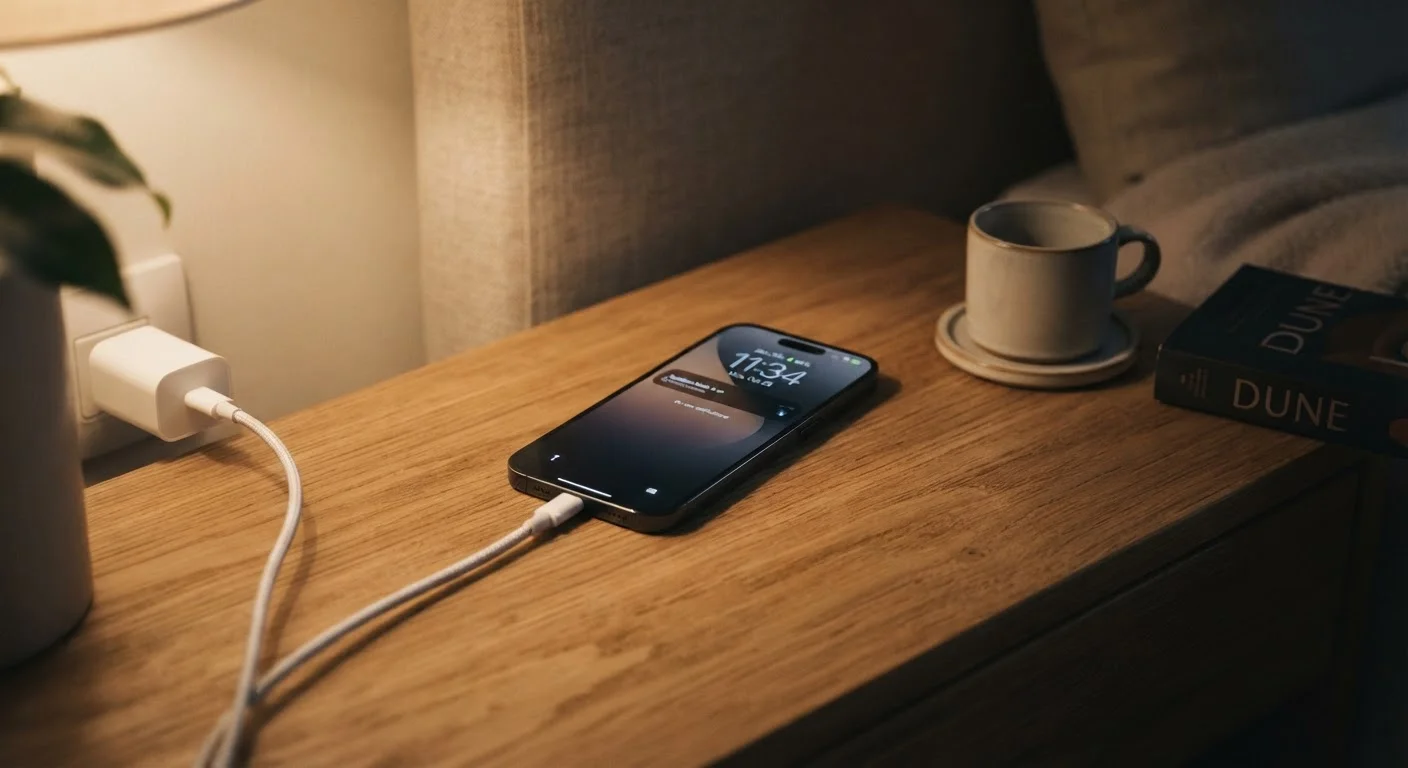
Photo credit: SyndicateExpert.com | Information At The Ready
In this article
Charging overnight or to 100% isn't always ideal. Here's what battery science actually says about the habits that preserve long-term capacity.
Key Takeaways
- Lithium-ion batteries last longer when kept between 20% and 80% charge most of the time.
- Charging overnight won't immediately destroy your battery, but sustained 100% charge adds long-term stress.
- Heat is a battery's primary enemy — hot environments and wireless charging pads both generate extra warmth.
- Most modern phones include built-in charging optimization features worth enabling.
- Full discharge cycles (0% to 100%) accelerate wear and should be avoided regularly.
Why Your Charging Habits Actually Matter
Your phone's battery is a lithium-ion cell, and like all lithium-ion cells, it degrades over time through a process called capacity fade. Every charge cycle slightly reduces the maximum energy the battery can hold. How fast that degradation happens depends significantly on how you charge — not just how often.
Battery engineers measure degradation in terms of charge cycles and stress factors. The two biggest controllable stress factors are state of charge (how full or empty the battery sits) and heat. Understanding those two variables explains almost every practical charging recommendation you'll encounter. The same principles apply to laptops — see our guide to laptop battery longevity for how these habits translate to portable computers.
Common Charging Myths — Corrected
Decades of nickel-cadmium battery folklore — plus a wave of newer internet myths — have left many people with charging habits that don't match how modern lithium-ion cells actually work. The myth-and-fact pairs below address the most widespread misconceptions.
Myth
You should let your phone die completely before recharging it to 'calibrate' the battery.
Fact
Full discharges to 0% actually accelerate wear on lithium-ion batteries. Partial top-ups are far better for long-term health.
The full-discharge advice originated with older nickel-cadmium (NiCd) batteries, which suffered from a phenomenon called memory effect — reduced capacity if not discharged fully before recharging. Lithium-ion cells, which have powered smartphones for well over a decade, do not exhibit memory effect. On the contrary, deep discharges (especially repeated ones) put stress on the cell chemistry and contribute to faster capacity fade. Battery engineers recommend keeping lithium-ion cells in a mid-range state of charge as much as practical.
Myth
Charging your phone overnight damages the battery because it keeps charging past 100%.
Fact
Modern phones stop actively charging once they reach 100% and trickle-charge only to compensate for natural discharge — but staying at 100% for hours does create measurable stress.
Smartphones have charge management circuits that prevent genuine overcharging. However, holding a battery at its maximum voltage for extended periods — which is what happens when a fully charged phone stays plugged in all night — does accelerate a form of degradation called high-voltage stress. The effect is gradual, not catastrophic. Many phone manufacturers have responded by introducing 'optimized charging' modes that keep the battery near 80% until shortly before a user's typical wake time, deliberately avoiding prolonged saturation at 100%.
Myth
Fast charging is bad for your battery and should be avoided whenever possible.
Fact
Fast charging does generate more heat, which adds some stress, but modern fast-charging systems are engineered to manage this carefully and are safe for normal use.
Contemporary fast-charging implementations dynamically reduce charging speed as the battery fills — often running at high wattage only during the first 50–60% of a charge, then tapering off. The additional heat generated is real but modest under normal conditions. Where fast charging becomes a concern is in already hot environments: charging a phone that's already warm with a high-wattage charger compounds heat stress. For everyday use, the convenience of fast charging outweighs the marginal additional wear for most people. Slow, overnight charging in a cool environment remains the most battery-gentle approach if longevity is the primary goal.
Myth
Third-party charging cables damage your battery.
Fact
Cable quality matters for safety and charging speed, but a quality third-party cable from a reputable source does not inherently harm your battery.
The concern about third-party cables is partly legitimate and partly overstated. Very cheap, poorly constructed cables can pose safety risks — inadequate insulation, incorrect wiring, or missing safety chips — but these are manufacturing quality problems, not a categorical issue with all non-OEM cables. Cables that meet established standards (such as USB-IF certification for USB-C cables) deliver power safely regardless of brand. The battery itself is protected by the phone's internal charge management circuitry, not the cable. Choosing quality accessories from established sellers is wise; avoiding all third-party options is not necessary.
Myth
Keeping your phone plugged in all day while you work gradually destroys the battery.
Fact
Consistent partial charging at mid-range levels is actually less stressful than repeated deep cycles, provided the phone doesn't stay pinned at 100% and doesn't overheat.
If your phone sits on a charger during your workday and hovers between roughly 40% and 80% — which happens naturally when the charger maintains charge as the phone slowly draws power — that behavior is relatively gentle on a lithium-ion cell. The risk arises if the phone is simultaneously running heat-generating tasks (heavy video streaming, for example) while charging, or if it is kept fully saturated at 100% continuously. Using your phone's optimized charging or battery limit feature, if available, makes desk charging a low-concern habit.
Practical Habits That Protect Battery Health
You don't need to obsessively monitor your battery percentage. A few consistent habits do most of the work:
- Use your phone's built-in optimization. Both Android and iOS include settings that learn your overnight routine and pause charging near 80% until just before you wake up. Enable this feature — it exists for a reason.
- Keep your phone cool while charging. Avoid charging on soft surfaces like beds or couches that trap heat. Remove thick cases if you notice warmth during fast charging.
- Prefer wired charging when convenient. Wireless charging is genuinely useful, but it generates more heat at the charging point than a direct cable connection, which adds incremental stress over time.
- Avoid leaving your phone in a hot car. Sustained high ambient temperatures degrade lithium-ion cells even when the phone isn't charging. A parked car in summer sun can reach temperatures well above the safe operating range for phone batteries.
None of these steps require major lifestyle changes. Applied consistently, they can help your battery retain meaningfully more capacity over two to three years of ownership.
When Battery Degradation Has Already Happened
If your phone already struggles to hold a charge through a full day, better charging habits won't reverse existing capacity loss — lithium-ion degradation is not recoverable through software or charging techniques. At that stage, the practical options are a battery replacement (available through many manufacturers and independent repair shops) or upgrading the device.
Most operating systems now expose battery health metrics directly in settings. Checking this number periodically gives you an objective measure of degradation rather than relying on subjective feel. A figure below roughly 80% of original capacity is generally the threshold at which many users notice a meaningful impact on daily use — though individual tolerance varies.
This article provides general educational information about consumer electronics and battery technology. It is not a substitute for guidance from your device manufacturer or a qualified repair technician.

Author
Tech & Devices Editorial Team
Tech & Devices Editorial Team is the collective byline for our editorial team and contributor network. Articles published under this byline or an editorial pen name are researched, written, and reviewed according to our editorial standards for clarity, consistency, and independence before publication.
View all articles →