
VPN vs. Private Browsing Mode: Two Tools That Protect Very Different Things
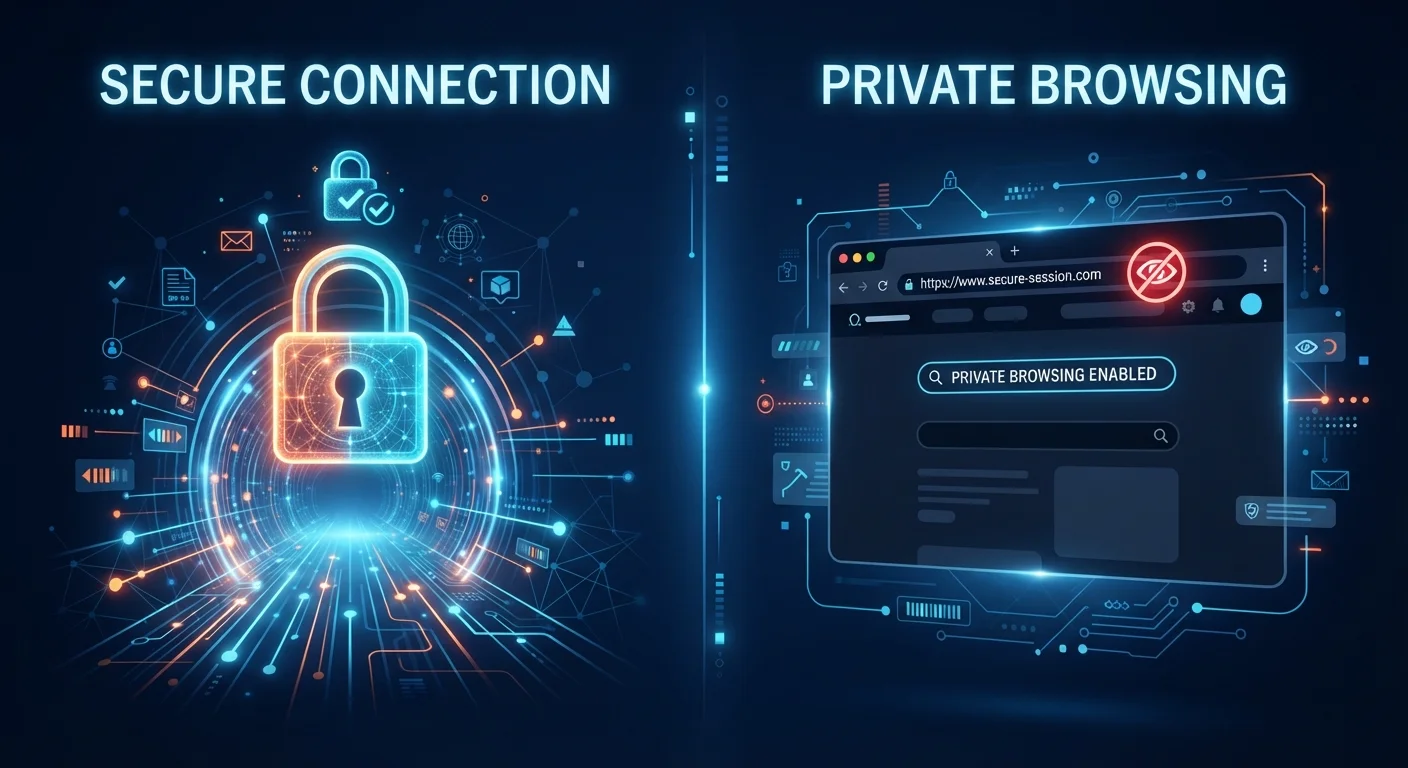
Photo credit: SyndicateExpert.com | Information At The Ready
In this article
Incognito mode and a VPN both claim to protect your privacy, but they work in completely different ways. Here's what each one actually does.
Key Takeaways
- Private browsing mode only hides your activity from other users of the same device — it does not hide it from websites, your ISP, or your employer.
- A VPN encrypts your internet traffic and masks your IP address from external observers, but does not clear local browser data.
- Using both tools together provides stronger — though still not complete — privacy coverage.
- Neither tool protects against all threats; strong passwords and two-factor authentication remain essential layers.
- Your VPN provider can still see your traffic, so choosing a reputable one with a clear privacy policy matters.
What Each Tool Actually Does
The confusion between VPNs and private browsing is understandable — both carry the word "privacy" in their marketing. But they solve entirely different problems.
Private browsing mode (called Incognito in Chrome, Private Window in Firefox and Safari) is a browser feature. When you open it, the browser agrees not to save your history, cookies, site data, or information entered in forms once you close the session. That's the full scope of its job. The moment your session ends, that local record disappears.
What it does not do is hide your activity from anyone outside your device. Your internet service provider (ISP), the websites you visit, your employer's network, and anyone monitoring your connection can still see exactly what you're doing. For a deeper look at these misconceptions, see what incognito mode actually protects.
A VPN works at the network level, not the browser level. It creates an encrypted tunnel between your device and a VPN server. Your internet traffic travels through that tunnel, so your ISP sees only that you're connected to a VPN — not which sites you're visiting. Websites see the VPN server's IP address, not your real one.
| Criterion | VPN | Private Browsing Mode |
|---|---|---|
| Hides traffic from your ISP | Yes | No |
| Masks your IP address from websites | Yes | No |
| Encrypts data in transit | Yes | No |
| Prevents local browsing history being saved | No | Yes |
| Clears cookies after session ends | No | Yes |
| Protects on public Wi-Fi | Yes | No |
| Works at the network level | Yes | No |
| Works at the browser level | No | Yes |
| Prevents account tracking when logged in | No | No |
Where Each One Falls Short
Neither tool offers complete anonymity, and it's important to understand their limits before relying on either.
Private browsing mode leaves your traffic fully visible to external parties. If you log into an account — your email, a social media profile, a bank — that site still knows who you are regardless of whether you're in incognito mode. Cookies placed during a session also track you while that session is open; they just don't persist after you close it.
VPNs have their own gaps. A VPN provider can see your traffic in the same way your ISP could. A provider with a vague or unverified privacy policy may log and share that data. VPNs also do not protect against malware, phishing attacks, or account takeovers. And if you're logged into a Google or Facebook account, those platforms can still build a profile of your activity regardless of your IP address.
Understanding why online privacy matters more broadly — even when you feel you have nothing to hide — is worth exploring in why the "nothing to hide" argument misses the point.
VPNs Require Trust in a Provider
When you use a VPN, you shift your trust from your ISP to your VPN provider. That provider can technically see your unencrypted traffic once it exits their server. Look for providers that publish independently audited no-logs policies and are transparent about their data practices. Free VPNs in particular warrant scrutiny, as some have been found to monetize user data.
When to Use Both — and What Else Belongs in Your Privacy Toolkit
There's no reason you can't use a VPN and private browsing simultaneously. A VPN handles the network layer — hiding your traffic from your ISP and masking your IP from websites. Private browsing handles the device layer — keeping your session data off the local machine. Together, they cover more ground than either does alone.
That said, privacy is rarely a single-tool problem. On public networks especially, a VPN provides meaningful protection — see what's actually at risk on public Wi-Fi for a fuller picture of the threat. For practical steps on staying secure in those environments, securing your devices on public Wi-Fi offers actionable guidance.
Strong, unique passwords and two-factor authentication address a different layer of risk entirely — account compromise — and remain essential regardless of whether you use a VPN or private mode. You can learn more about how that works in our guide to what two-factor authentication actually does.
Think of your digital privacy as overlapping layers, not a single switch. Each tool you add reduces a specific risk — but no single tool eliminates all of them.

Author
Tech & Devices Editorial Team
Tech & Devices Editorial Team is the collective byline for our editorial team and contributor network. Articles published under this byline or an editorial pen name are researched, written, and reviewed according to our editorial standards for clarity, consistency, and independence before publication.
View all articles →