
What Two-Factor Authentication Actually Does — and Why One Type Is Safer Than Another
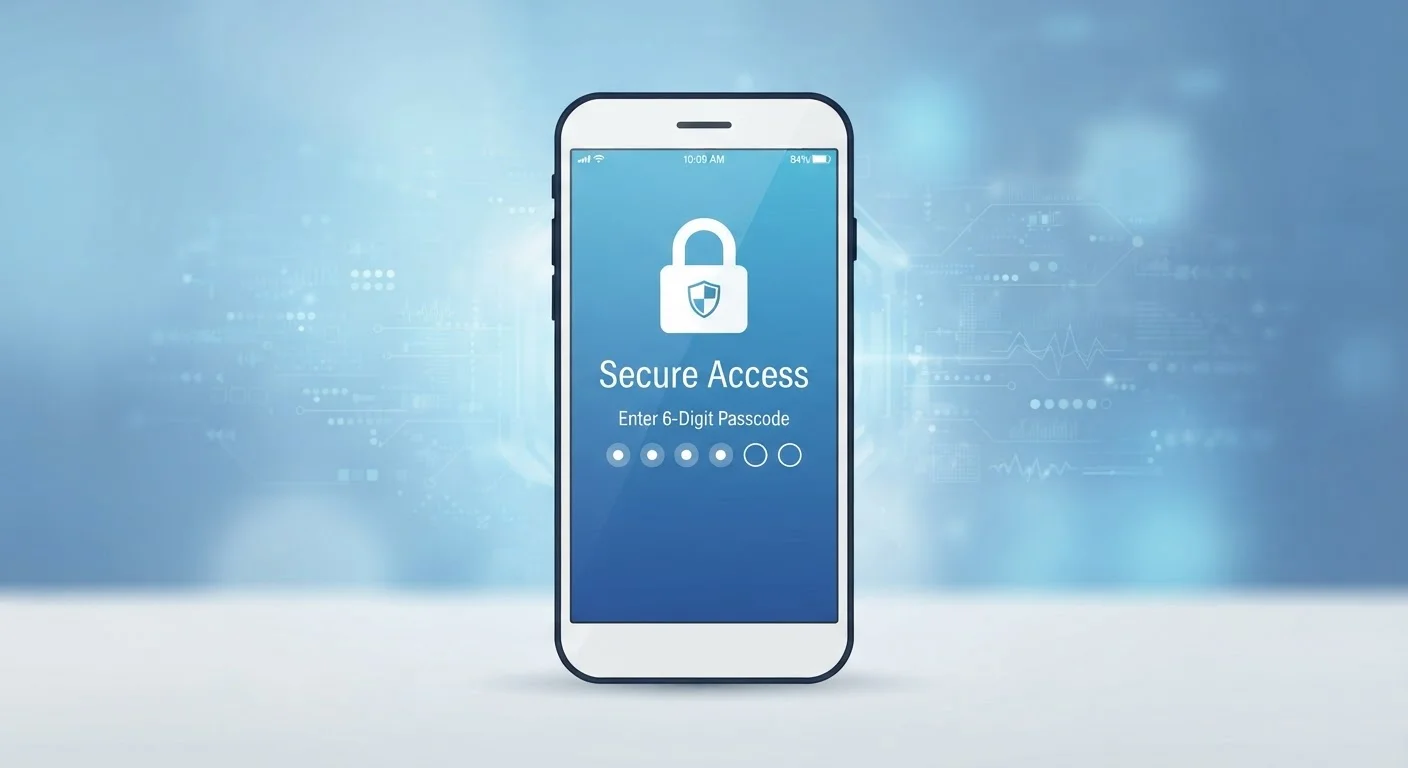
Photo credit: SyndicateExpert.com | Information At The Ready
In this article
Two-factor authentication adds a second lock to your accounts. Learn how each type works and which offers stronger protection against hackers.
Key Takeaways
- Two-factor authentication protects your accounts even when your password is compromised.
- SMS text codes are convenient but vulnerable to SIM-swapping attacks.
- Authenticator apps generate time-limited codes offline, making them significantly harder to intercept.
- Hardware security keys offer the strongest 2FA protection available to consumers.
- Enabling any form of 2FA is far better than relying on a password alone.
The Problem a Password Alone Can't Solve
Passwords are the oldest form of digital identity verification — and one of the weakest. Data breaches expose billions of credentials every year. Phishing emails trick people into entering passwords on fake login pages. Malware captures keystrokes silently. The uncomfortable truth is that a password, no matter how strong, can be stolen without you ever knowing.
Two-factor authentication (2FA) addresses this directly. Instead of a single gate, it creates two. An attacker who obtains your password still faces a second barrier they can't easily cross. That second barrier is something only you can produce right now — not something stored in a database somewhere.
For a deeper look at how strong credentials are managed alongside 2FA, see our guide to password managers.
How the Three Main Types of 2FA Work
Not all second factors are created equal. Understanding how each works helps you make an informed choice.
SMS Text Codes
The most common form of 2FA sends a one-time code to your phone via text message. You enter the code within a short window — typically 30 to 60 seconds — to complete login. It's easy to set up and familiar. The limitation: that code travels over your phone carrier's network. A specific attack called SIM swapping — where a criminal persuades your carrier to reassign your number to their device — can redirect those codes entirely. It's not a common attack, but it's a real one.
Authenticator Apps
Apps like those offered by major tech companies generate six-digit codes directly on your device using a shared cryptographic key and the current time. No code is ever transmitted over a network. The code expires every 30 seconds. An attacker who can't physically access your device has nothing to intercept. This makes authenticator apps substantially harder to defeat than SMS.
Hardware Security Keys
A small physical device — often plugged into a USB port or tapped via NFC — acts as your second factor. It uses a protocol called FIDO2 that cryptographically verifies the login request came from the legitimate site, which also defeats phishing. Hardware keys represent the strongest widely available consumer 2FA option, though they require carrying a physical object.
99.9%
Of automated account attacks blocked by MFA
Microsoft has reported that accounts using multi-factor authentication block the vast majority of automated credential-stuffing and password-spray attacks.
~80%
Of hacking-related breaches involve stolen credentials
According to Verizon's annual Data Breach Investigations Report, compromised passwords remain the leading cause of unauthorized account access.
30 sec
Window before an authenticator code expires
Time-based one-time passwords (TOTP) used by authenticator apps refresh every 30 seconds, making captured codes nearly impossible to reuse.
Why Authenticator Apps Are the Practical Sweet Spot
For most people, authenticator apps offer the best balance of security and convenience. They don't require phone service to work — useful when traveling or in poor signal areas. They generate codes offline, so there's nothing to intercept in transit. And they're free to use.
Setup involves scanning a QR code when enabling 2FA on a supported service. From that point, the app and the service share a secret that allows codes to stay in sync. Even if someone clones your app's data without access to your phone's secure storage, the codes would be useless without the synchronized seed.
Save Your Backup Codes Before You Need Them
When you enable 2FA on any account, most services generate a set of single-use backup codes. Print them out or store them in an encrypted file — not in an easy-to-access notes app. If you ever lose your phone or authenticator access, these codes are how you regain entry to your account.
Security vulnerabilities rarely happen in isolation. If your accounts use 2FA but you're also connecting on unsafe networks, you're still exposed to other risks. Our article on securing devices on public Wi-Fi covers that angle.
Common Habits That Undercut Your 2FA Protection
Even with 2FA enabled, certain behaviors reduce its effectiveness. Approving authentication prompts without reading them — sometimes called MFA fatigue — is a real attack vector. Criminals send repeated approval requests hoping you'll tap "confirm" out of frustration. Always verify that a login request is one you actually initiated.
Storing backup codes in an easily accessed notes app or emailing them to yourself also defeats the purpose. Treat backup codes like a physical key: store them somewhere secure and private.
Reusing the same password across accounts remains a widespread problem that 2FA can only partially compensate for. Our look at security habits that feel harmless but aren't covers the most common gaps people miss.
Frequently Asked Questions

Author
Tech & Devices Editorial Team
Tech & Devices Editorial Team is the collective byline for our editorial team and contributor network. Articles published under this byline or an editorial pen name are researched, written, and reviewed according to our editorial standards for clarity, consistency, and independence before publication.
View all articles →