
Offline-Capable Apps Worth Knowing About Before You Lose Signal
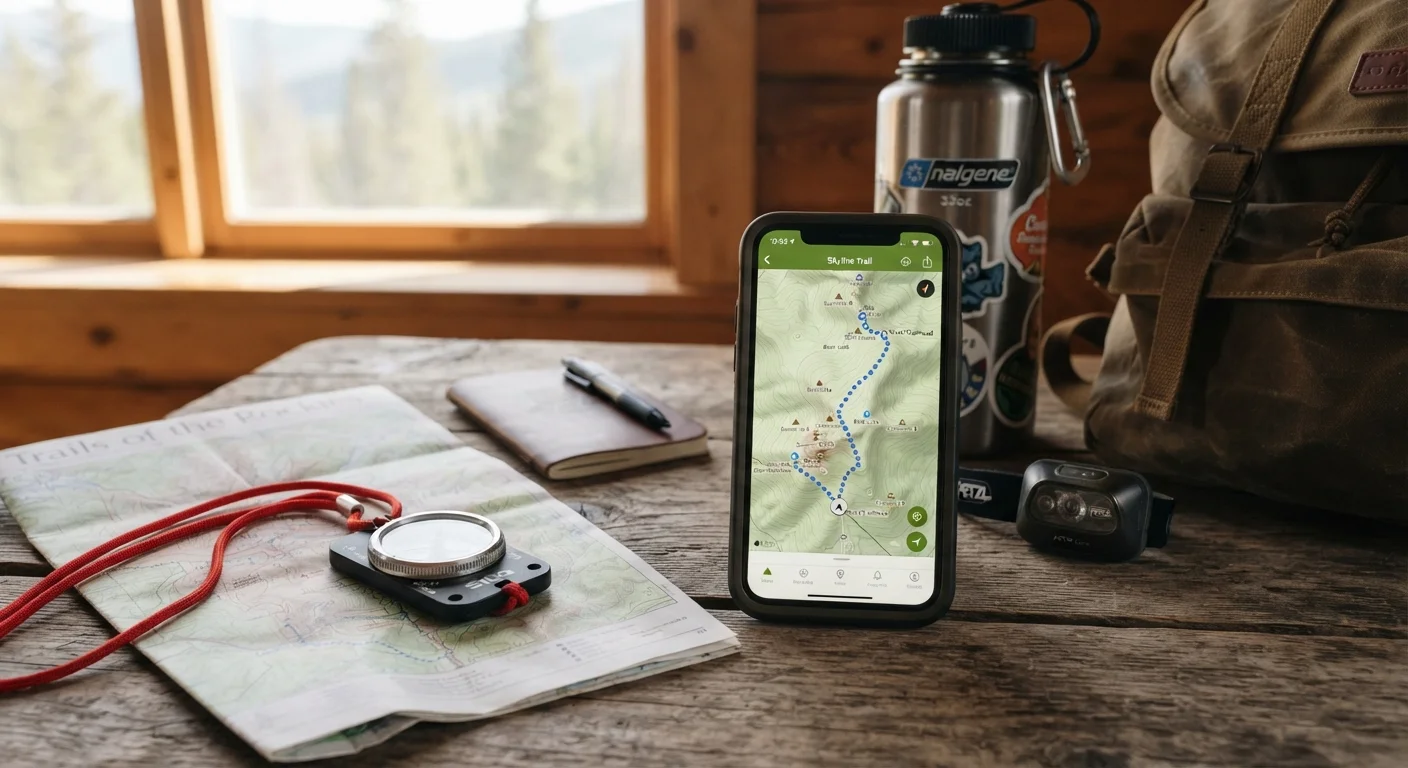
Photo credit: SyndicateExpert.com | Information At The Ready
Maps, notes, documents, and more—a curated look at app categories that keep working when your internet connection doesn't.
Key Takeaways
- Offline capability must be deliberately enabled before you lose signal — it rarely happens automatically.
- Maps, documents, music, and reading apps all offer meaningful offline modes worth setting up in advance.
- Storing offline content consumes device storage, so audit your downloads periodically to manage space.
- Offline-ready apps reduce dependence on spotty public Wi-Fi, which carries its own security risks.
- A small set of well-configured offline apps is more useful than a phone full of connected-only tools.
Why Offline Readiness Deserves a Second Look
Most apps assume you're always connected — and for good reason. Streaming, syncing, and real-time features are genuinely useful. But that assumption creates a quiet vulnerability: when your signal drops on a road trip, a flight, or in a rural area, dozens of apps that looked fully functional become useless shells.
The solution isn't to memorize paper maps or avoid technology. It's to identify the app categories where offline access genuinely matters, configure them while you still have connectivity, and carry that capability with you everywhere. If you've ever wondered why you've downloaded so many apps but rely on so few, this is part of the answer — most apps go unused precisely because they don't work reliably when you need them most.
Below are the categories most worth knowing — and what to look for when choosing or configuring tools in each one.
Offline Maps and Navigation
Navigation apps are probably the most critical offline category. Many popular mapping tools allow you to download entire regions — cities, states, or country segments — directly to your device. Once downloaded, turn-by-turn directions, search, and points of interest work without any data connection.
The key habit: download the regions you expect to travel through before you leave home. Map downloads can be several hundred megabytes, so doing this on Wi-Fi prevents surprises. Also check expiration policies — downloaded maps may need periodic refreshing to stay accurate.
Download your destination's map region before leaving home — not when you've already lost signal.
Document Editing and Note-Taking
Word processors, spreadsheets, and note-taking apps are increasingly cloud-first — which means they can fail silently when connectivity drops. Most major productivity suites offer offline editing modes, but you typically need to enable this in settings and open files at least once while connected so they're cached locally.
Notes apps often handle this more gracefully, syncing automatically when connectivity returns. The practical upside: you can draft, edit, and organize on a plane or in a hotel with spotty Wi-Fi without losing work. For anyone managing files across multiple devices, understanding how offline edits sync back is equally important.
Enable offline mode in document apps and open key files at least once while connected to cache them locally.
Music and Podcast Playback
Streaming audio is among the heaviest data consumers on a phone. Offline downloads solve this directly — most audio platforms let subscribers download playlists, albums, or individual podcast episodes to the device. The audio plays back without any network activity.
Storage management matters here. High-quality audio files are large, and it's easy to accumulate gigabytes of downloaded content you've already listened to. Build a habit of clearing old downloads the way you might clear a browser cache — periodically, and intentionally.
Audio downloads accumulate quickly — clear listened episodes and old playlists regularly to free device storage.
E-Books and Long-Form Reading
E-reader apps — whether tied to a library service or a purchase-based platform — almost universally store books locally once downloaded. This is one category where offline access tends to work reliably by design, since books don't stream the way video does.
The more useful habit is intentional curation: download a few books you're actually planning to read rather than building a massive local library you'll never get to. This keeps storage tidy and your reading list realistic. It's also worth reviewing whether any reading subscriptions are still earning their place in your budget — auditing forgotten subscriptions applies here as much as anywhere.
E-reader apps store books locally by design — curate intentionally rather than hoarding unread downloads.
Password Managers
A password manager that only works with a live internet connection is a liability the moment you lose signal. Many password managers store an encrypted local vault that remains accessible offline, allowing you to retrieve credentials for apps, services, or websites even without connectivity.
Verify this behavior in your specific app's documentation — not all implementations are equal. Some require an initial online unlock before offline access is available, so understanding the sequence matters. This is a low-drama configuration step that pays off in exactly the high-stress moments when connectivity fails and you need to log into something urgently.
Verify your password manager's offline vault behavior before you're locked out without a connection.
Language Translation Tools
Translation apps are indispensable for travel — and also among the most likely to fail at the worst moment, when you're somewhere unfamiliar and without data. Most major translation tools offer downloadable language packs that enable text translation and, in many cases, camera-based translation of signs and menus.
Download language packs for your destinations in advance. Pack sizes vary but tend to be manageable, and the difference between having offline translation and not having it in an unfamiliar country is significant. Voice translation offline is typically more limited than text, so set expectations accordingly.
Download translation language packs before international travel — camera translation of signs works offline too.
A Few Things to Keep in Mind
Offline functionality is a feature, not a guarantee. Within any given app category, some tools offer robust offline modes while others provide only partial access — always check settings and test offline behavior before you actually need it. Also keep in mind that downloaded content takes up real storage space on your device; building a useful offline toolkit means being intentional rather than downloading everything speculatively.
Test Offline Mode Before You Need It
The only reliable way to know an app works offline is to test it in airplane mode while you still have time to troubleshoot. After configuring offline settings and downloading content, toggle airplane mode and walk through the key features you're counting on. This takes two minutes and prevents unpleasant surprises when signal actually disappears.
Finally, offline capability and security aren't mutually exclusive. If you find yourself relying on public Wi-Fi to get around a lack of signal, there are meaningful steps you can take to limit your exposure on those networks. And if you're weighing whether a native app or a browser-based tool better fits your workflow — offline or otherwise — the trade-offs between the two are worth understanding before you decide.

Author
Tech & Devices Editorial Team
Tech & Devices Editorial Team is the collective byline for our editorial team and contributor network. Articles published under this byline or an editorial pen name are researched, written, and reviewed according to our editorial standards for clarity, consistency, and independence before publication.
View all articles →