
Why Your Phone Has 80 Apps but You Actually Use Six
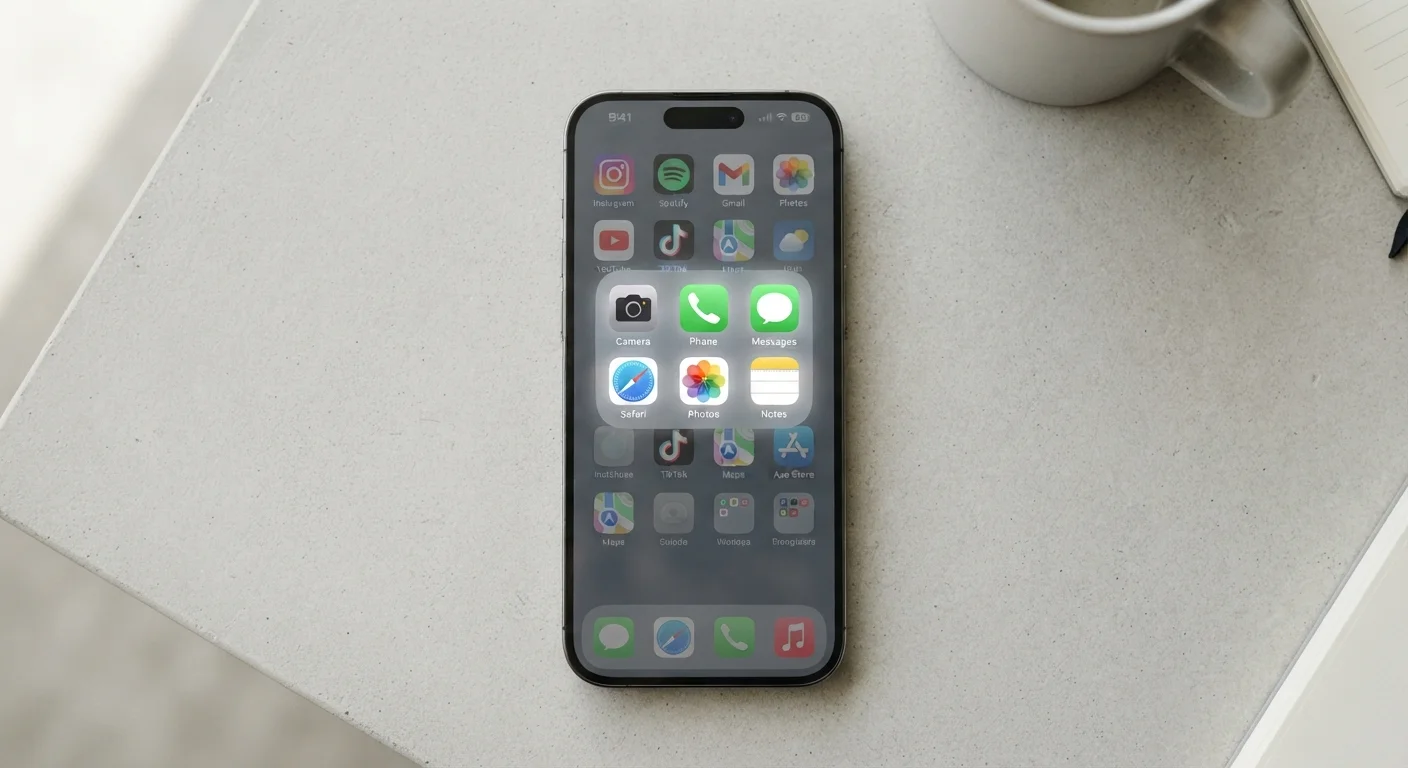
Photo credit: SyndicateExpert.com | Information At The Ready
In this article
App overload is real. Understand why most downloads go unused and how to build a leaner, more useful phone setup.
Key Takeaways
- The average smartphone user has dozens of apps installed but regularly uses fewer than ten.
- App stores and notification design are built to encourage downloads, not thoughtful curation.
- Unused apps can quietly consume storage, battery, and background data.
- A periodic app audit helps align your phone's contents with your actual habits.
- Consolidating tasks into fewer, deeper-used apps usually beats installing a new tool for every need.
The Download Habit and Why It Outpaces Real Need
Downloading apps has never been easier — a two-second tap, and a new icon appears on your home screen. What's harder is the discipline of deciding whether you actually needed it. App stores are designed as frictionless marketplaces: browse, tap, install. The friction of evaluating an app's long-term usefulness is entirely on you, and the deck is stacked against honest accounting.
Developers and platforms have a shared incentive to maximize install counts. Limited-time free offers, "try it" prompts inside other apps, and social sharing features all nudge you toward downloading first and deciding later — and "later" rarely comes. The result is a phone that accumulates tools the way a junk drawer accumulates batteries: each one acquired for a specific moment, then forgotten.
This isn't a willpower failure. It's a design outcome. Understanding that distinction is the first step toward building a phone setup that actually reflects how you live. For a deeper look at how notification design reinforces this cycle, see how app alerts are engineered to demand your attention.
What the Six-App Reality Actually Tells You
When researchers and platform analytics look at real usage data, the pattern is striking: most people's daily phone activity clusters around a small handful of apps. Communication (messaging and calls), navigation, one or two social or entertainment platforms, a browser, and perhaps a banking or payment app. That's roughly six. Everything else is background noise.
This isn't a problem to fix so much as a signal to read. Your six core apps reveal what your phone is genuinely good at in your life. The gap between those six and the eighty installed tells you where aspirational thinking — "I'll use this fitness tracker," "I'll get into budgeting" — collided with actual behavior.
25%
Apps used only once after download
Industry analysis has repeatedly found that roughly one in four downloaded apps is opened once and never again, highlighting the gap between install intent and actual behavior.
~10
Apps used daily by typical smartphone users
Mobile analytics firms have consistently found that daily active use concentrates in around ten apps or fewer, regardless of how many are installed on the device.
80+
Average apps installed per smartphone
Surveys of smartphone users in the U.S. suggest the average device holds more than 80 installed apps, creating a significant gap between what's present and what's actually used.
The practical implication is that app overload isn't really about the number of icons on your screen. It's about the cognitive weight of managing a device that feels more cluttered than useful. Unused apps generate notifications, request permissions, and consume storage in ways that aren't always obvious. A leaner phone isn't just tidier — it's genuinely more functional.
The Hidden Costs of Apps You Never Open
An app sitting idle on your phone isn't entirely inert. Many apps are configured to refresh content in the background, check for updates, and maintain location access even when you haven't opened them in months. This is what Background App Refresh actually does to your phone — it keeps apps ready to serve you, at the cost of battery life and data you may not have budgeted for.
Then there are permissions. An app you downloaded for a one-time coupon may still hold access to your location, contacts, or camera. Understanding what app permissions are really asking for matters here: dormant apps with broad permissions represent a low-level but real privacy consideration worth addressing during any cleanup.
Finally, there's the subscription dimension. Free downloads sometimes quietly transition to paid tiers, or were always free-to-download with a paid layer you agreed to during setup. A periodic audit — reviewing every recurring charge tied to your app store account — often uncovers spending that long outlived any actual use. Auditing your app subscriptions is a practical place to start.
Building a Leaner Phone Without Starting Over
A useful app audit doesn't require a factory reset or a weekend project. Start with your phone's built-in usage data: both iOS Screen Time and Android's Digital Wellbeing dashboard show you, by app, exactly how many minutes per day you're actually engaged. Sort by usage. The bottom half of that list is your starting point for deletion.
Apply a simple decision rule: if you haven't opened an app in 30 days and removing it wouldn't disrupt something you care about, delete it. For borderline cases, ask whether the same task could be handled by a browser or an app already in your core six. If the answer is yes, a dedicated install is redundant. Whether to download an app or just use the website is a trade-off worth thinking through deliberately.
For apps you're keeping, go deeper rather than broader. Most people use about 20% of any given app's features. Your calendar app, for instance, likely does far more than you've explored — getting more out of your calendar app is a better investment than downloading yet another time-management tool. Depth beats breadth almost every time.
Finally, resist the pull of context-switching. Constantly jumping between apps fragments focus more than most people realize. A smaller, more deliberate app ecosystem isn't a limitation — it's the setup that actually supports how you work and live.
Frequently Asked Questions

Author
Tech & Devices Editorial Team
Tech & Devices Editorial Team is the collective byline for our editorial team and contributor network. Articles published under this byline or an editorial pen name are researched, written, and reviewed according to our editorial standards for clarity, consistency, and independence before publication.
View all articles →