
What 'Background App Refresh' Actually Does to Your Phone
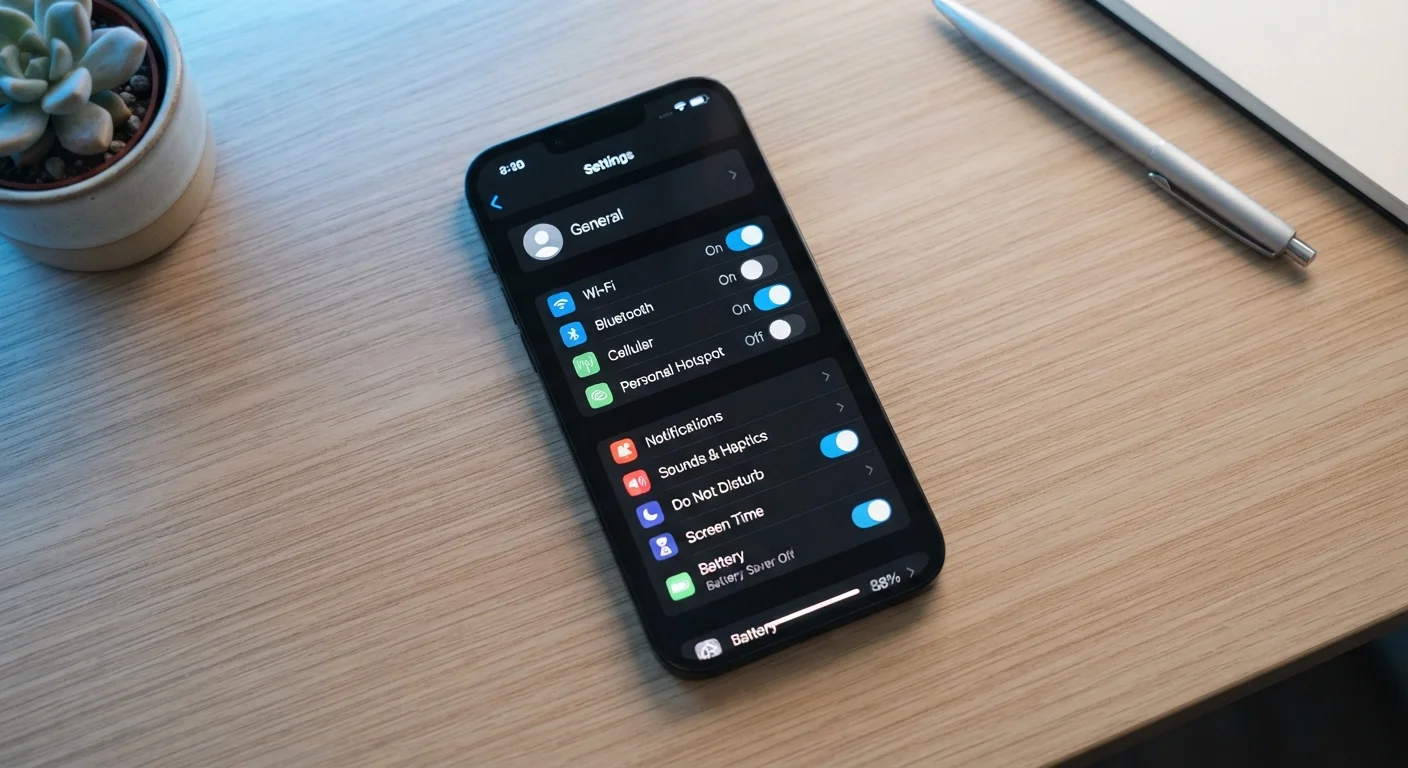
Photo credit: SyndicateExpert.com | Information At The Ready
In this article
Background App Refresh sounds harmless, but it affects battery life, data usage, and privacy. Here's a plain-English breakdown of what it really does.
Key Takeaways
- Background App Refresh lets apps silently update content while you're doing something else entirely.
- It can meaningfully shorten battery life, especially on older devices or when many apps have it enabled.
- The feature consumes mobile data — a concern for anyone on a limited data plan.
- Some background activity is tied to privacy: apps may collect location or usage data during refreshes.
- You can selectively disable Background App Refresh per app, keeping it on only where it genuinely adds value.
- Essential functions like calls, messages, and push notifications are not affected if you turn this feature off.
What's Actually Happening When an App 'Refreshes'
When you close an app and put your phone in your pocket, you might assume that app stops doing anything. In many cases, that's not true. If Background App Refresh is enabled, the app may continue checking for new information — pulling updated headlines, new messages, revised weather data, or changed prices — without any action from you.
Your operating system grants the app small windows of time to connect to the internet and sync. When you reopen the app, it feels instant and current because the work was already done in the background. Without this feature, apps load fresh content only after you open them, which can mean a brief delay before information appears.
Whether that trade-off is worth it depends entirely on the app and how you actually use your phone. For a navigation app you open mid-drive, pre-loaded data matters. For a shopping app you browse occasionally, the background activity is essentially invisible overhead.
The Battery and Data Cost You're Not Seeing
Background App Refresh isn't free. Every time an app wakes up and connects to the internet, your phone's processor, radio, and screen components briefly activate. Multiply that across a dozen apps refreshing throughout the day, and the cumulative drain on your battery becomes real — especially on devices that are a few years old and no longer hold a full charge.
~20%
Battery drain attributed to background app activity
Industry estimates suggest background processes can account for a meaningful share of daily battery consumption, though the figure varies widely by device age, number of apps, and settings.
80+
Average apps installed on a typical smartphone
Research consistently shows most users have far more apps installed than they actively use, meaning background refresh may be running for apps that serve no active purpose.
Wi-Fi vs. LTE
Data source matters for background refresh cost
Restricting background refresh to Wi-Fi only is a built-in iOS option that can reduce cellular data usage without fully disabling the feature.
Data consumption is the other cost that surprises people. Each background refresh sends and receives data. On Wi-Fi, this is usually inconsequential. On a cellular connection with a limited monthly data plan, the numbers can climb faster than expected. You don't need to guess: both iPhone and Android devices include built-in tools that show you exactly how much data each app has consumed. Checking those figures occasionally can be revealing.
If battery longevity is a concern across your devices generally, the same principle applies — background processes are a consistent factor worth managing. Understanding how background processes affect battery health is a broader habit worth developing.
The Privacy Angle Most People Miss
Background activity isn't purely about content loading. When an app refreshes, it's communicating with a server — and that communication can carry data about you. Depending on the app's permissions, background refreshes may transmit your approximate location, device identifiers, or usage behavior.
This matters most for apps you've granted broad permissions but rarely actively use. An app sitting unused on your home screen, periodically refreshing in the background, may still be collecting data — not because you chose to use it, but because you never turned off the background access it was granted when you first installed it.
Reviewing which apps have background refresh enabled alongside which permissions they hold is a meaningful privacy audit step. Understanding what app permissions actually allow helps you make informed decisions about both settings at once. If you have dozens of rarely-used apps on your device, that problem is compounded — see why app overload makes this harder to manage.
How to Take Control Without Breaking Your Apps
The good news: disabling Background App Refresh — fully or selectively — doesn't break your apps. Push notifications still arrive. Phone calls still come through. The only thing that changes is that apps load fresh content when you open them rather than before you do.
A practical approach is selective: keep background refresh enabled for apps that genuinely benefit from it (email, navigation, health tracking) and turn it off for everything else. On iPhone, you can manage this per app under Settings > General > Background App Refresh. Android paths vary by manufacturer, but the control is typically found in each app's battery settings.
You can also restrict background refresh to Wi-Fi only — a middle ground that preserves the convenience of pre-loaded content while eliminating the cellular data cost. This option appears in the same settings menu on iOS.
If you're also trying to trim the number of apps on your device altogether, auditing which apps you actually use is a natural companion step — fewer apps means fewer background processes to manage by default.
Frequently Asked Questions

Author
Tech & Devices Editorial Team
Tech & Devices Editorial Team is the collective byline for our editorial team and contributor network. Articles published under this byline or an editorial pen name are researched, written, and reviewed according to our editorial standards for clarity, consistency, and independence before publication.
View all articles →