
Native Apps vs. Browser-Based Tools: When Each One Actually Makes Sense
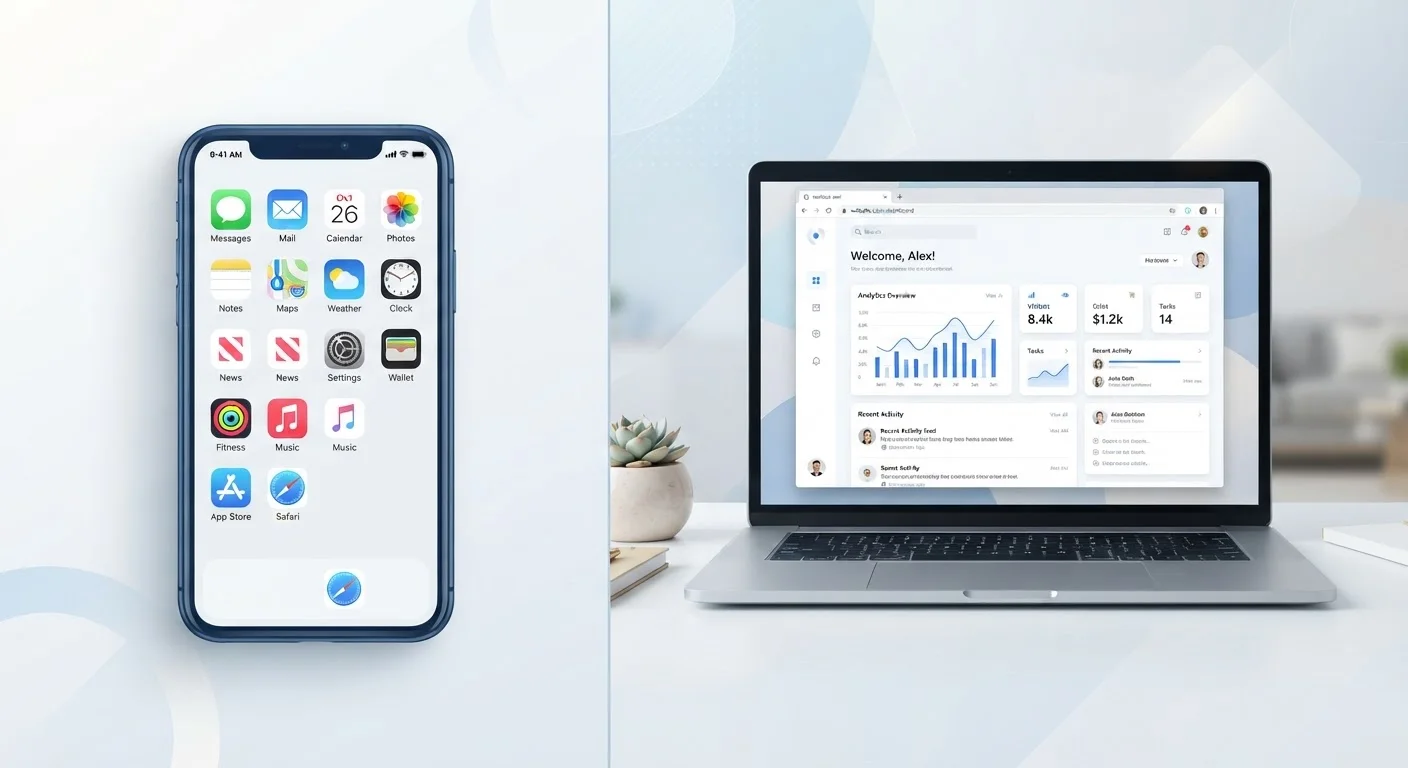
Photo credit: SyndicateExpert.com | Information At The Ready
In this article
Should you download the app or just use the website? Here's how to think through the trade-offs for storage, speed, and privacy.
Key Takeaways
- Native apps offer better performance, offline use, and hardware access but consume more storage and request more permissions.
- Browser-based tools are leaner, easier to abandon, and often more private since they request fewer device permissions.
- The right choice depends on how frequently you use a service, whether you need offline access, and how much you trust the provider.
- App overload is a real cost — storage, battery, and privacy all erode when you install tools you rarely use.
- For occasional tasks, the browser version is usually the smarter starting point.
What Actually Separates These Two Approaches
A native app is software you download and install directly on your device — whether from an app store on your phone or as a desktop program on your computer. It runs using your device's operating system and can tap into hardware features like the camera, GPS, microphone, accelerometer, and local storage.
A browser-based tool (sometimes called a web app) runs entirely inside your internet browser — Chrome, Safari, Firefox, Edge, and so on. You visit a URL, and the tool works through that tab. Nothing is installed on your device, and when you close the tab, nothing persists unless the service stores data in your account in the cloud.
The distinction sounds simple, but the practical implications for speed, privacy, storage, and reliability are significant — and they aren't always obvious until you've already made the choice.
| Criterion | Native Apps | Browser-Based Tools |
|---|---|---|
| Installation required | Yes | No |
| Storage use | Moderate to high | Minimal |
| Offline access | Often available | Rarely available |
| Hardware access (camera, GPS, etc.) | Full | Limited |
| Permissions requested | Typically more | Typically fewer |
| Background battery use | Common | None when tab is closed |
| Cross-device consistency | Requires separate installs | Works on any browser |
| Update process | Manual or app store | Automatic on page load |
| Performance for complex tasks | Generally faster | Sufficient for most tasks |
| Ease of abandonment | Requires uninstall | Just close the tab |
The Real Costs of Installing a Native App
Every native app you install carries an ongoing cost beyond the initial download. Storage space is the most visible: apps range from a few megabytes to several gigabytes, and accumulated installs eat into the storage you'd rather have for photos or documents. If you've ever wondered why your phone feels sluggish, the app overload effect is often part of the answer.
Battery drain is a less obvious cost. Many native apps run background processes — syncing data, refreshing content, checking for notifications — even when you're not actively using them. Understanding what Background App Refresh actually does helps clarify how much passive activity your installed apps generate.
Permissions are the third cost, and arguably the most consequential. Native apps routinely request access to your location, contacts, microphone, and camera. Granting these permissions without reading the request carefully can expose more personal data than you intend. For a plain-language breakdown of what those requests mean, see what app permissions are really asking for.
Where Native Apps Genuinely Win
None of this means native apps are the wrong choice — it means they should be the deliberate choice. There are several scenarios where a native app provides real advantages a browser simply can't match.
Offline functionality is the clearest case. Browser-based tools generally require an active internet connection; native apps can store data and functional code locally, letting you work, navigate, or read without a signal. This matters for travelers, commuters, or anyone in areas with unreliable connectivity.
Hardware integration is another genuine advantage. A fitness tracking app that reads from your phone's accelerometer and heart rate sensor, or a camera app that accesses advanced lens controls, can only do so as a native app. Browsers have expanded their hardware access over time, but they still can't match what a well-built native app can do with device sensors.
Performance also favors native apps for complex tasks. Video editing, real-time audio processing, and similar workloads run more smoothly when an app has direct access to the device's processing resources rather than routing through a browser engine.
When the Browser Version Is the Smarter Starting Point
For many everyday tasks — reading documents, managing a project board, composing emails, running a video call — a browser-based tool is functionally equivalent to its native counterpart, and comes with meaningful advantages.
The most underrated benefit is low commitment. You can try a browser-based tool, decide it doesn't fit your workflow, and walk away having granted it almost no access to your device. There's no uninstall process, no residual data, no permission to revoke. If you're evaluating new software — especially anything touching online safety or financial data — starting in the browser is a lower-risk way to assess a service before trusting it with more.
Cross-device consistency is another real advantage. A browser-based tool looks and behaves the same whether you're on your work laptop, a home desktop, or a tablet. You don't need to manage separate app installs, worry about version mismatches, or navigate syncing apps across devices.
Browser-based tools also tend to update silently and instantly — you're always on the current version when you open a tab, without manual updates or app store prompts.
Progressive Web Apps: A Middle Ground Worth Knowing
Some services offer a Progressive Web App (PWA) — a browser-based tool that can be added to your home screen and offer limited offline functionality, push notifications, and a more app-like experience without a full installation. PWAs aren't universally supported and vary in capability by platform, but they represent a useful middle option. If a service you use frequently offers one, it may be worth exploring before committing to a full native install.

Author
Tech & Devices Editorial Team
Tech & Devices Editorial Team is the collective byline for our editorial team and contributor network. Articles published under this byline or an editorial pen name are researched, written, and reviewed according to our editorial standards for clarity, consistency, and independence before publication.
View all articles →