
Freemium Apps and the Hidden Cost of 'Free'
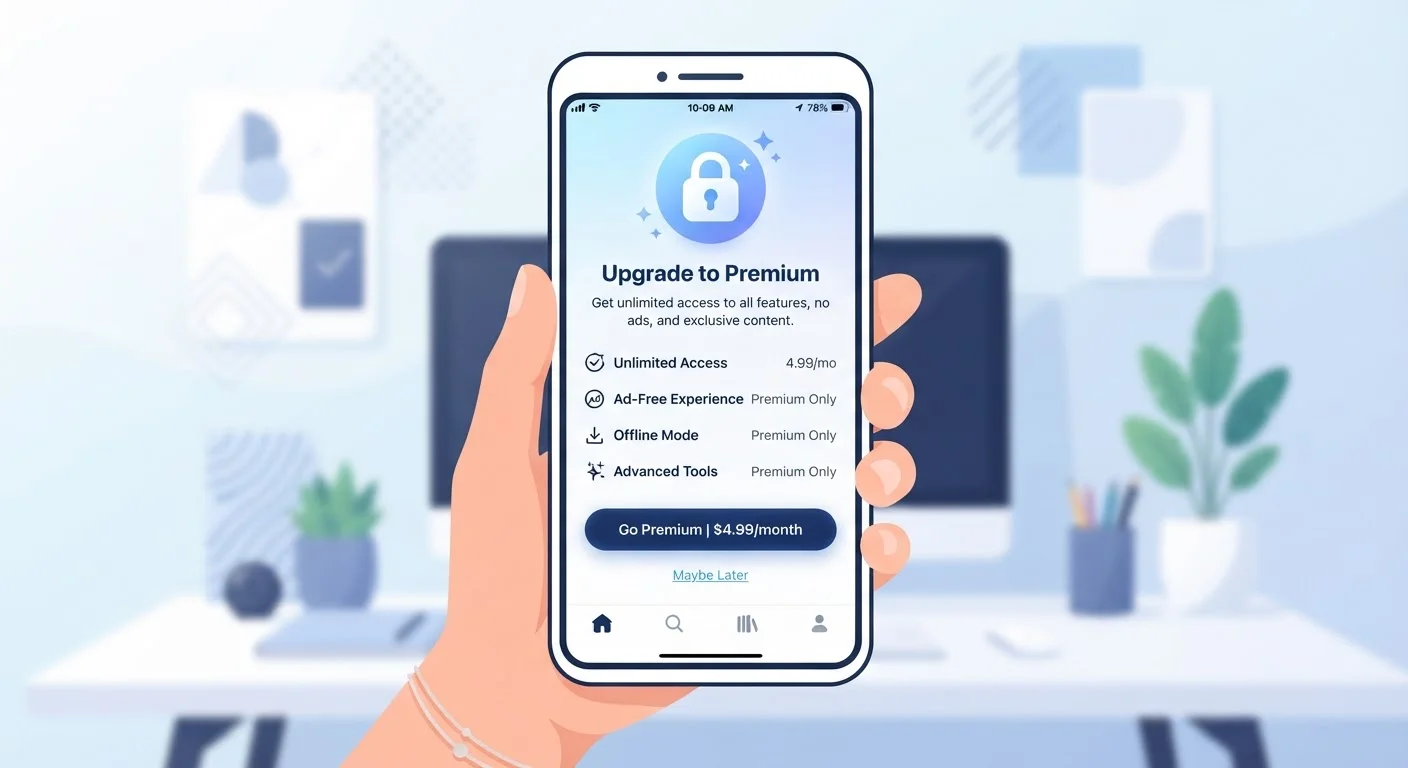
Photo credit: SyndicateExpert.com | Information At The Ready
In this article
Free app downloads often come with trade-offs. Here's how freemium models work and how to evaluate whether an upgrade is worth it.
Key Takeaways
- Freemium apps are free to download but monetize through paywalled features, ads, or data collection.
- Not all paid upgrades deliver meaningful value — the free tier is often sufficient for most users.
- Some 'free' apps have real costs: your attention, your data, or your willingness to tolerate friction.
- Evaluating whether to upgrade requires knowing exactly which locked features you'd actually use.
- Subscription fatigue is real — small recurring charges can accumulate into significant monthly spending.
Zero financial commitment to try the app
Freemium removes the risk of paying for software that doesn't suit your needs. You can test the core product thoroughly before spending anything.
Core features often sufficient for casual users
Many freemium apps provide genuinely useful functionality in the free tier. Casual or occasional users may never need to upgrade at all.
Competitive pressure keeps free tiers valuable
Because multiple apps often compete in the same category, developers must keep free tiers attractive enough to win users — which benefits consumers who stick with the free version.
Upgrade paths are typically flexible and reversible
Most freemium apps allow monthly subscriptions with no long-term contract, making it easy to upgrade during a high-use period and cancel when your needs change.
Deliberate friction makes free tiers feel inadequate
Ads, usage caps, and feature locks are calibrated to frustrate — not to serve. The free experience is often engineered to feel just inadequate enough to push users toward upgrading.
Data collection is a common hidden cost
Some apps monetize free users through behavioral data rather than ads. This practice is disclosed in privacy policies, but the implications are rarely surfaced clearly to users.
Small subscriptions add up to significant annual spending
Multiple app upgrades, each seemingly minor at $3–$10 per month, can compound into hundreds of dollars annually — a cost that often escapes routine budget reviews.
Features can be moved or removed behind the paywall
Apps occasionally restructure their tiers after building a user base, shifting previously free features into the premium plan. Users who relied on those features face a pay-or-leave decision.
Trial periods require active cancellation to avoid charges
Free trials for premium tiers almost always require a payment method upfront. Users who forget to cancel before the trial ends are automatically charged, often with limited recourse.
What the Freemium Model Actually Is
Freemium is a portmanteau of "free" and "premium" — a business model where an app is available at no cost, but meaningful functionality sits behind a paywall. The core idea is to lower the barrier to entry, get users hooked on the product, and then convert a percentage of them to paying subscribers or one-time purchasers.
This model now dominates the app economy. Productivity tools, meditation apps, music players, fitness trackers, and language-learning platforms all follow some version of it. The mechanics vary: some apps limit usage (a set number of tasks per month), some lock specific features (cloud sync, advanced analytics), and some push a premium tier primarily by making the free experience ad-heavy enough to feel frustrating. For a broader look at how app downloads stack up against actual usage, see why most apps go unused.
Understanding the structure of a freemium app before you download it helps you make a more informed decision — both about trying it and about eventually paying for it.
The Real Advantages of Freemium
Freemium isn't purely a conversion funnel. For users, it offers genuine benefits that traditional one-time purchase or subscription models don't.
Zero financial commitment to try the app
Freemium removes the risk of paying for software that doesn't suit your needs. You can test the core product thoroughly before spending anything.
Core features often sufficient for casual users
Many freemium apps provide genuinely useful functionality in the free tier. Casual or occasional users may never need to upgrade at all.
Competitive pressure keeps free tiers valuable
Because multiple apps often compete in the same category, developers must keep free tiers attractive enough to win users — which benefits consumers who stick with the free version.
Upgrade paths are typically flexible and reversible
Most freemium apps allow monthly subscriptions with no long-term contract, making it easy to upgrade during a high-use period and cancel when your needs change.
The try-before-you-pay dynamic is particularly valuable. Many apps that charge upfront turn out to be poor fits for specific workflows, and refund policies are inconsistently enforced across platforms. A robust free tier lets you live with a tool long enough to form an honest opinion before committing money.
The Hidden Costs Worth Knowing
The "free" label is accurate in a narrow sense — you won't be charged at download. But freemium apps operate within an economy of trade-offs, and some of those trade-offs are substantial.
Deliberate friction makes free tiers feel inadequate
Ads, usage caps, and feature locks are calibrated to frustrate — not to serve. The free experience is often engineered to feel just inadequate enough to push users toward upgrading.
Data collection is a common hidden cost
Some apps monetize free users through behavioral data rather than ads. This practice is disclosed in privacy policies, but the implications are rarely surfaced clearly to users.
Small subscriptions add up to significant annual spending
Multiple app upgrades, each seemingly minor at $3–$10 per month, can compound into hundreds of dollars annually — a cost that often escapes routine budget reviews.
Features can be moved or removed behind the paywall
Apps occasionally restructure their tiers after building a user base, shifting previously free features into the premium plan. Users who relied on those features face a pay-or-leave decision.
Trial periods require active cancellation to avoid charges
Free trials for premium tiers almost always require a payment method upfront. Users who forget to cancel before the trial ends are automatically charged, often with limited recourse.
The most overlooked cost is attention. Ad-supported free tiers are engineered to interrupt, slow, or frustrate users just enough to make the paid tier feel like relief. This friction is intentional, not incidental. Similarly, some apps collect behavioral data from free users as a form of indirect monetization — a practice that is technically disclosed in privacy policies but rarely made prominent.
Subscription accumulation is another concern. A single $5/month app upgrade feels trivial; six of them is $360 a year. If you're trying to keep a handle on recurring expenses, understanding the trade-offs of tight budgeting can help frame how discretionary subscriptions fit into a larger financial picture. And if you suspect you've already lost track of what you're paying for, auditing your app subscriptions is a practical next step.
How to Evaluate Whether an Upgrade Is Worth It
The question isn't whether a premium tier is good — it's whether it's good for you, based on how you actually use the app.
One Useful Rule Before Any Upgrade
Ask yourself: does the premium tier solve a problem I currently have, or does it solve a problem the app created by limiting the free tier? The distinction matters. If you're upgrading primarily to remove ads or lift an artificial cap, weigh that against simply finding an alternative tool. If you're upgrading because a specific feature would meaningfully improve how you work or live, that's a stronger reason to pay.
A few useful criteria before upgrading:
- Identify the specific locked features. Don't upgrade because you vaguely want "more" — list what you'd gain and whether those features address a real friction point in your current workflow.
- Track usage for two weeks first. If you're still using the free tier daily after two weeks, an upgrade becomes easier to justify. If usage has trailed off, it almost certainly isn't worth it.
- Calculate the annual cost, not the monthly one. Pricing is typically displayed monthly to minimize the perceived commitment. Multiply by 12 and compare that figure to what the app actually delivers.
- Check for a free trial on the premium tier. Many apps offer 7- or 14-day trials of premium features — use the full trial period before deciding, and set a calendar reminder to cancel if you're on the fence.
If the app in question replaces a browser-based tool, it's also worth reconsidering the format entirely. Native apps versus browser-based tools each carry different trade-offs around storage, speed, and privacy that can influence whether a paid app subscription makes sense at all.

Author
Tech & Devices Editorial Team
Tech & Devices Editorial Team is the collective byline for our editorial team and contributor network. Articles published under this byline or an editorial pen name are researched, written, and reviewed according to our editorial standards for clarity, consistency, and independence before publication.
View all articles →