
Task Manager Apps Compared: Different Philosophies for Getting Things Done
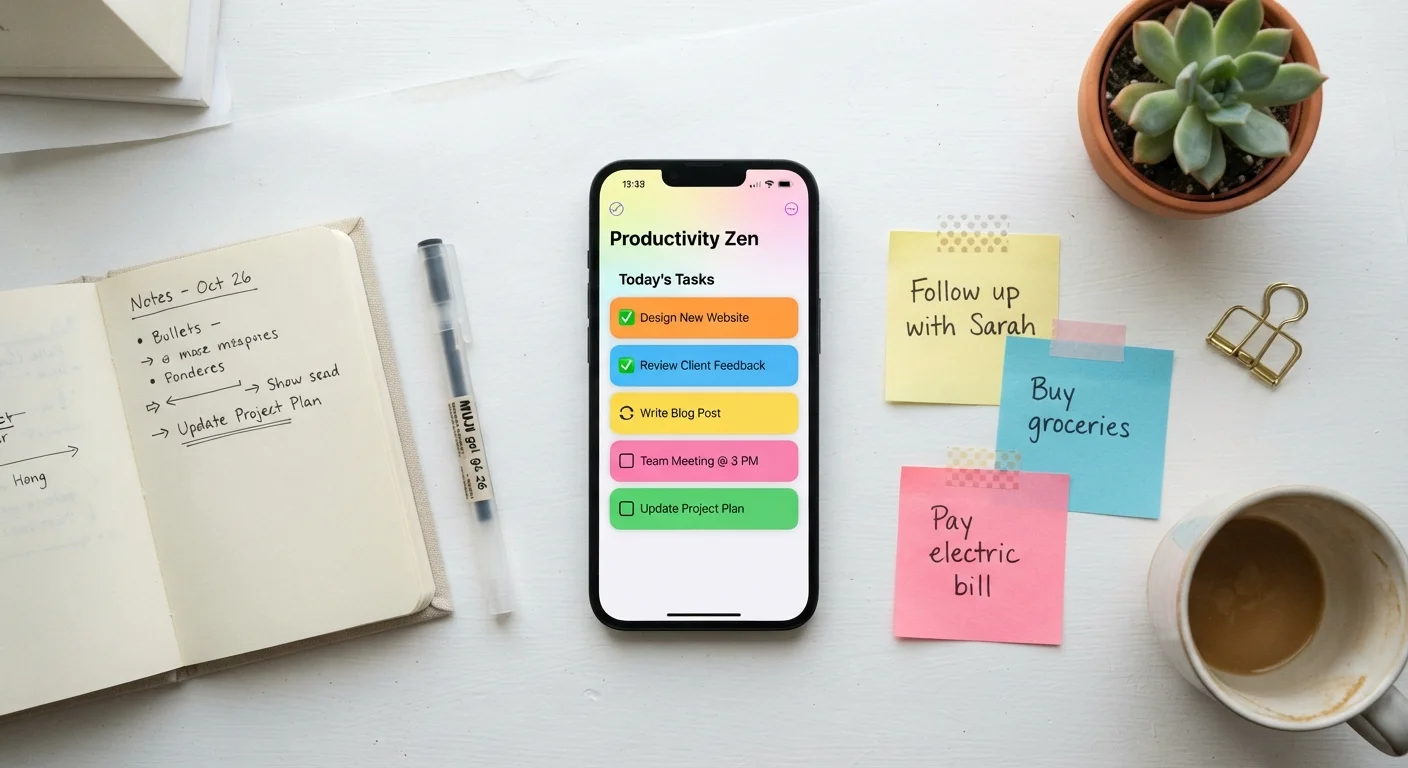
Photo credit: SyndicateExpert.com | Information At The Ready
In this article
From simple checklists to full project systems, different to-do apps suit different thinking styles. Here's how to find your fit.
Key Takeaways
- No single task app works best for everyone — the right fit depends on your thinking style and workflow complexity.
- Simple checklist apps reduce friction; structured project apps add power at the cost of setup time.
- Switching apps too often is itself a productivity drain — choose thoughtfully and commit.
- The best task system is the one you'll actually use consistently, not the most feature-rich one available.
Why Your Task App Choice Actually Matters
Most people cycle through task manager apps the same way they rotate gym memberships — with optimism, then neglect. The culprit usually isn't laziness. It's a mismatch between how the app organizes work and how your brain actually thinks.
Task managers fall into a few distinct philosophical camps. Understanding those camps — rather than chasing the newest feature set — is what leads to a sustainable system. As we've covered in why most apps go unused, downloads don't equal utility. A task app you open every day beats a sophisticated one you avoid.
The comparison below focuses on four approaches: minimalist checklist tools, structured project systems, inbox-first capture apps, and calendar-integrated planners. Each represents a genuine philosophy about how tasks should be managed.
The Four Core Philosophies
Minimalist / Checklist
These apps prioritize speed of entry and visual simplicity. You add a task, check it off, move on. There's little hierarchy, few categories, and almost no setup required. They work best for people whose daily workload is relatively flat — a list of things to do today, cleared by evening.
Project-Structured Systems
These tools treat every goal as a project with subtasks, deadlines, assignees, and dependencies. They're powerful for complex, multi-phase work but demand upfront investment. If you maintain many ongoing responsibilities or collaborate with others, the structure pays off. If you don't, it becomes overhead.
Inbox-First / Priority-Based Apps
Inspired by methodologies like Getting Things Done (GTD), these apps emphasize capturing everything into an inbox first, then sorting by context, priority, or deadline. They reduce the cognitive load of deciding where a task lives before you've even processed it. The tradeoff: they require regular review habits to stay functional.
Calendar-Integrated Planners
Rather than keeping tasks and time separate, these tools schedule tasks directly onto a timeline. If you already live in your calendar, this approach eliminates the gap between planning and doing. For guidance on squeezing more out of time-based tools, see getting more from your calendar app.
| Minimalist / Checklist | Project-Structured | Inbox-First (GTD-style) | Calendar-Integrated | |
|---|---|---|---|---|
| Setup effort | Very low | High | Moderate | Moderate |
| Best for complexity | Simple daily tasks | Multi-phase projects | Mixed workloads | Time-blocked schedules |
| Collaboration support | Limited | Strong | Moderate | Varies |
| Review habit required | Minimal | Regular | Essential | Built-in |
| Learning curve | Minimal | Steep | Moderate | Low to moderate |
| Works well for reactive workers | Yes | No | Yes | Partially |
Matching App Philosophy to Your Work Style
The practical question isn't which app has the most features — it's which model fits how you naturally think about work. A few honest questions help narrow it down:
- How complex is your typical workload? If most tasks are single-step and daily, minimalist wins. If you regularly manage multi-week projects, structure pays.
- Do you plan ahead or react? Reactive workers benefit from fast-capture inbox tools. Planners do better with calendar-integrated or project-based systems.
- How many devices do you work across? Cross-platform sync matters more for some users than others. Our guide on native apps vs. browser-based tools covers the tradeoffs for storage, speed, and accessibility.
- Do you work alone or with others? Collaboration needs push you toward structured project tools with sharing and assignment features.
For a broader look at building a coherent digital organization system, organizing your digital life covers how tasks, notes, and files can work together without becoming a second job.
Common Pitfalls to Avoid
Even with the right philosophy, certain habits undermine any task system:
- Over-engineering from day one. Adding tags, labels, and sub-projects before you understand your actual patterns creates friction without benefit. Start simple, layer complexity only when you feel a genuine need.
- Treating the app as the system. No app substitutes for the habit of reviewing and updating tasks regularly. A weekly review — even five minutes — keeps any system from decaying into a backlog graveyard.
- Switching apps to solve a discipline problem. If tasks aren't getting done, a new app rarely fixes that. The problem is usually prioritization, not tooling.
Start With One List, Not a System
If you're new to task apps or rebuilding after a failed attempt, begin with a single flat list and nothing else. No projects, no tags, no priorities. After two weeks of consistent use, patterns in your work will surface naturally — and those patterns should guide any added structure, not the app's feature menu.
Whatever system you land on, resist the urge to migrate again at the first sign of friction. Most app-switching is driven by novelty, not genuine need. Give any system at least four to six weeks before evaluating whether it's working.

Author
Tech & Devices Editorial Team
Tech & Devices Editorial Team is the collective byline for our editorial team and contributor network. Articles published under this byline or an editorial pen name are researched, written, and reviewed according to our editorial standards for clarity, consistency, and independence before publication.
View all articles →