
Organizing Your Digital Life: Files, Notes, and Tasks Without the Chaos
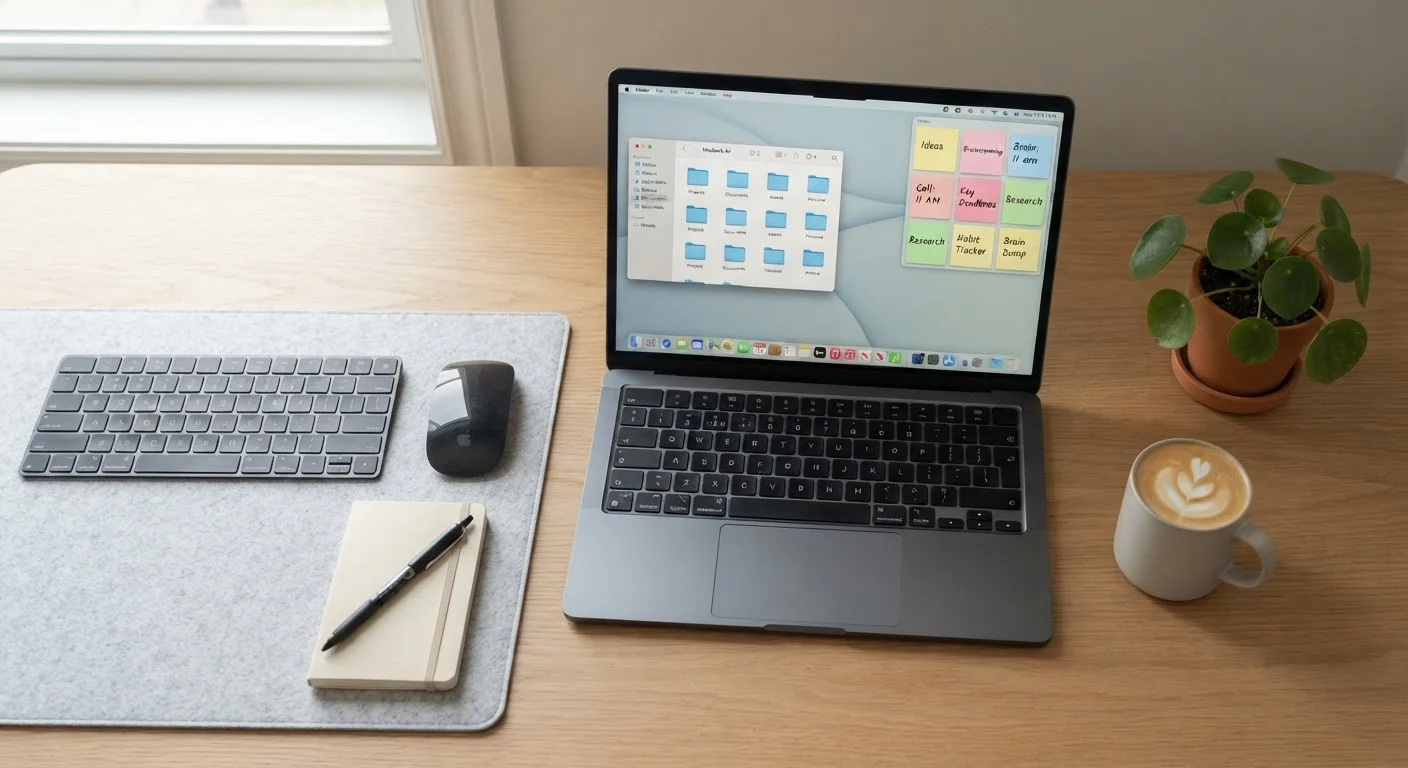
Photo credit: SyndicateExpert.com | Information At The Ready
In this article
A comprehensive look at how to use apps for notes, files, and tasks in a way that actually sticks—without buying into a complex system.
Key Takeaways
- A simple, consistent folder structure outperforms any elaborate organizational system.
- Note-taking apps work best when used for capture, not as permanent archives for everything.
- Your task manager should match your thinking style, not the other way around.
- Syncing across devices requires intentional setup to avoid conflicts and data loss.
- A weekly 10-minute review prevents most digital clutter from accumulating.
Why Digital Clutter Happens
Most people don't set out to create a chaotic digital environment. It accumulates gradually: a file saved to the desktop because you were in a hurry, a note jotted in a random app, a task buried in an email thread. Over time, the friction of finding anything erodes both productivity and confidence in your own systems.
The core problem is rarely the apps themselves. It's the absence of a deliberate structure that scales. People download a new productivity tool hoping it will impose order, only to find it adds another layer of clutter. The solution isn't more tools — it's a clearer philosophy applied consistently to the tools you already have.
Understanding how cloud and local storage interact is a useful foundation before building any organizational system, since files can quietly exist in multiple places without you realizing it.
Building a File System That Stays Organized
A durable file structure rests on two principles: broad categories at the top level and consistent naming conventions. Aim for no more than five to seven top-level folders — something like Projects, References, Finance, Personal, and Archive. Resist the urge to over-categorize at the start.
Naming files with dates in a YYYY-MM-DD format at the beginning makes chronological sorting automatic and eliminates confusion between versions. A file named 2024-03-15_tax-return-draft.pdf is far easier to locate than final_FINAL_v3.pdf.
If your storage is growing unexpectedly, it's worth investigating hidden storage drains on your devices — duplicate files and app caches often account for more space than the files you're actively managing.
Name your top-level folders in plain language you'd use out loud — if you'd say 'that tax document,' the folder should be called Finance or Tax, not something like 'Administrative Records 2024.'
Retrieval speed depends on how naturally folder names map to how you actually think about information, not on formal categorization logic.
Limit yourself to one active note-taking app and one active task manager at a time. Switching between systems mid-project almost always means something falls through the cracks.
Research on task-switching and cognitive load consistently shows that managing multiple parallel systems increases errors and reduces confidence in any single source of truth.
The Archive folder is critical: move anything completed or inactive there rather than deleting it immediately. This keeps active folders lean while preserving access to older work.
Notes: Capturing Ideas Without Losing Them
The single most effective note-taking habit is one inbox for capture. Whether you use a dedicated app or a single document, every idea, observation, or reference goes into one place first. Processing happens later — capture happens immediately.
From there, notes generally fall into three categories worth separating: reference material (information you'll look up), project notes (working documents tied to specific goals), and fleeting captures (quick thoughts that either get processed or discarded). Mixing all three in a single unsorted list is what makes note apps feel overwhelming after a few weeks.
Avoid the temptation to use your notes app as a permanent file cabinet for every article or document you encounter. That job belongs to your file system. Notes work best when they contain your own thinking, not just saved content from elsewhere.
Task Management That Matches How You Think
Task managers fail when they're more complex than the cognitive load they're meant to reduce. The right tool depends on how your mind naturally organizes commitments — some people think in lists, others in projects, others in time blocks tied to a calendar.
For a deeper look at how different apps suit different thinking styles, see task manager philosophies compared. The key insight: a simple checklist app used consistently beats a feature-rich system used sporadically.
Regardless of the tool, three practices improve any task system:
- Capture everything immediately. If it lives only in your head, it competes for attention with everything else.
- Assign context or category. Knowing whether a task belongs to work, home, or a specific project prevents the undifferentiated pile that becomes paralyzing.
- Review and trim regularly. A task list that's never pruned stops being trusted, and an untrusted system gets abandoned.
Task management and calendar use are closely related. Getting more from your calendar app explains how time-blocking and scheduling techniques can complement a task list rather than duplicate it.
Making Your Tools Work Together
The most common failure point in digital organization is fragmentation: files in one place, notes in another, tasks in a third, with no consistent logic connecting them. The goal isn't integration for its own sake — it's reducing the cognitive overhead of remembering where things live.
A practical approach: link your systems by context rather than by technical integration. A project note can reference a folder path. A task can include a link to a relevant document. These low-tech connections often outperform complex automation setups that require ongoing maintenance.
Syncing across devices adds another layer of complexity worth addressing directly. Keeping apps and data in sync across devices covers how to set up reliable sync without creating conflicts or accidentally overwriting files.
Finally, notifications from productivity apps can undermine the focus those apps are meant to support. Regaining control over notification overload is a logical companion step once your organizational tools are in place.
Keeping the System Running Long-Term
No organizational system survives contact with real life without a maintenance routine. The most sustainable approach is a weekly review of around 10 minutes: clear your note inbox, process any loose files on your desktop, and scan your task list to remove anything completed or no longer relevant.
This habit mirrors what works in other areas of life. Just as building healthier eating habits works best through small, consistent choices rather than dramatic overhauls, digital organization improves incrementally — not through a single heroic cleanup session.
Similarly, the principle behind automating financial habits applies here: design your system so that the default action is the organized one. Save files directly to their destination folder. Capture notes in your inbox by default. Make the right behavior the path of least resistance.
Resist the urge to overhaul your system every time a new app trend emerges. The value of an organizational system compounds over time — it only pays off if you stay with it long enough to build the habit.

Author
Tech & Devices Editorial Team
Tech & Devices Editorial Team is the collective byline for our editorial team and contributor network. Articles published under this byline or an editorial pen name are researched, written, and reviewed according to our editorial standards for clarity, consistency, and independence before publication.
View all articles →