
Password Managers: What You Gain, What You Give Up, and Whether the Trade-Off Makes Sense
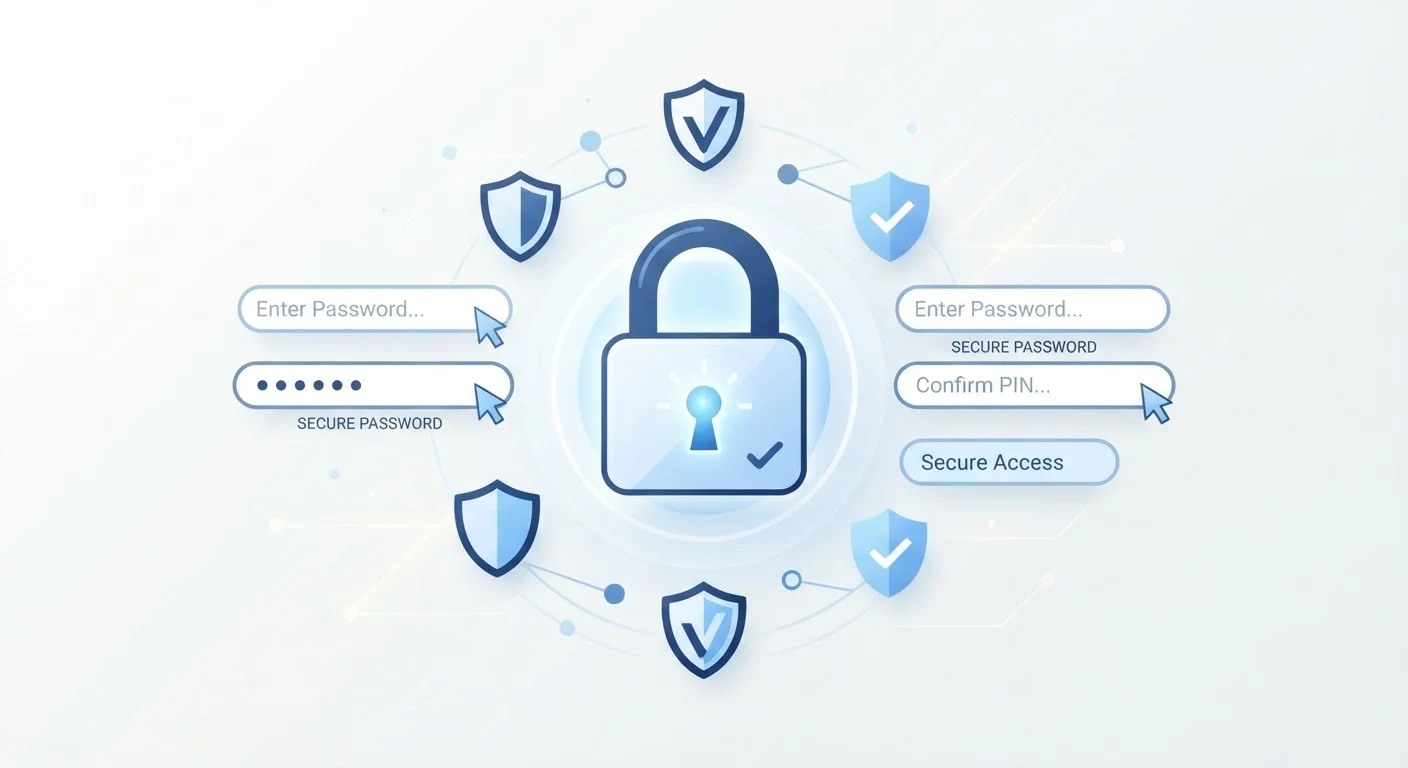
Photo credit: SyndicateExpert.com | Information At The Ready
In this article
Password managers solve a real problem, but they also come with trade-offs. A balanced look at convenience, security, and the risks involved.
Key Takeaways
- Password managers let you use strong, unique passwords for every account without memorizing them.
- A single master password becomes the critical vulnerability — if it's compromised, everything is at risk.
- Most reputable password managers use zero-knowledge encryption, meaning the provider cannot see your passwords.
- Using a password manager alongside two-factor authentication significantly strengthens your overall security posture.
- The convenience gain typically outweighs the risks for most everyday users willing to set things up carefully.
Enables truly unique passwords for every account
Because you no longer need to remember passwords yourself, the manager can generate long, random strings for each site. This eliminates the credential stuffing risk that comes with reuse.
Reduces cognitive load across dozens of accounts
The average person manages a substantial number of online accounts. A password manager consolidates that burden into a single remembered credential, reducing mental overhead and the temptation to cut corners.
Flags reused or weak passwords already in use
Most password managers audit your existing credentials and alert you to accounts sharing the same password or using easily guessable patterns, giving you a concrete to-do list for improvement.
Auto-fill protects against phishing on fake sites
Password managers typically only auto-fill credentials on the exact domain they were saved for. If you land on a convincing but fraudulent site, the manager will not offer to fill in your real password.
Secure sharing for households or teams
Many password managers allow controlled sharing of credentials without revealing the actual password in plain text, which is safer than texting or emailing login details.
Master password is a single point of failure
If your master password is guessed, phished, or exposed, an attacker could potentially access all stored credentials at once. This makes the strength and secrecy of that one password critically important.
Provider breach could expose encrypted vaults
Password manager companies have been targeted by attackers. While strong encryption protects the contents of vaults, users of affected services have faced uncertainty and needed to change many passwords as a precaution.
Device loss or lockout can cut off access
If you forget your master password and lack a recovery method, or lose access to your primary device, regaining entry to your vault can be difficult or impossible depending on how the service handles recovery.
Creates dependency on a third-party service
If the password manager service shuts down, changes its pricing, or discontinues support for your device, you may need to migrate quickly. Exporting your vault in advance is good practice but requires planning.
Malware on your device can undermine protections
A compromised device with keylogging software could capture your master password as you type it, bypassing the password manager's encryption entirely. Device security and password manager security are interdependent.
The Problem Password Managers Are Designed to Solve
Most people are managing more online accounts than they realize — banking, email, streaming, shopping, healthcare portals, and more. The natural human response is to reuse a familiar password across many of them. The problem: when one site experiences a data breach, attackers can try that same password across hundreds of other services in what's called a credential stuffing attack.
A password manager is a secure application that generates, stores, and fills in unique, complex passwords for each of your accounts. You remember one strong master password; the software handles everything else. For a fuller explanation of how this works under the hood, see how password managers store and protect your credentials.
Understanding whether this trade-off works for you requires an honest look at both sides.
What You Gain
The advantages are significant and compound over time as your account count grows.
Enables truly unique passwords for every account
Because you no longer need to remember passwords yourself, the manager can generate long, random strings for each site. This eliminates the credential stuffing risk that comes with reuse.
Reduces cognitive load across dozens of accounts
The average person manages a substantial number of online accounts. A password manager consolidates that burden into a single remembered credential, reducing mental overhead and the temptation to cut corners.
Flags reused or weak passwords already in use
Most password managers audit your existing credentials and alert you to accounts sharing the same password or using easily guessable patterns, giving you a concrete to-do list for improvement.
Auto-fill protects against phishing on fake sites
Password managers typically only auto-fill credentials on the exact domain they were saved for. If you land on a convincing but fraudulent site, the manager will not offer to fill in your real password.
Secure sharing for households or teams
Many password managers allow controlled sharing of credentials without revealing the actual password in plain text, which is safer than texting or emailing login details.
Password managers also pair naturally with two-factor authentication, which adds a second verification step even if a password is somehow exposed. Together, these two tools address the most common ways accounts get taken over.
What You Give Up
No tool eliminates risk entirely. A password manager introduces specific vulnerabilities that are worth understanding before you commit.
Master password is a single point of failure
If your master password is guessed, phished, or exposed, an attacker could potentially access all stored credentials at once. This makes the strength and secrecy of that one password critically important.
Provider breach could expose encrypted vaults
Password manager companies have been targeted by attackers. While strong encryption protects the contents of vaults, users of affected services have faced uncertainty and needed to change many passwords as a precaution.
Device loss or lockout can cut off access
If you forget your master password and lack a recovery method, or lose access to your primary device, regaining entry to your vault can be difficult or impossible depending on how the service handles recovery.
Creates dependency on a third-party service
If the password manager service shuts down, changes its pricing, or discontinues support for your device, you may need to migrate quickly. Exporting your vault in advance is good practice but requires planning.
Malware on your device can undermine protections
A compromised device with keylogging software could capture your master password as you type it, bypassing the password manager's encryption entirely. Device security and password manager security are interdependent.
Zero-Knowledge Encryption Explained
Most reputable password managers use a zero-knowledge architecture, meaning your passwords are encrypted on your device before being sent to their servers. The provider never has access to your unencrypted data. This is an important distinction: even if the company is compelled to hand over data, what they have is an encrypted blob that is computationally infeasible to crack without your master password. When evaluating a password manager, confirming it uses zero-knowledge encryption is a useful baseline check.
It's also worth noting the learning curve. Setting up a password manager, importing existing passwords, and forming the habit of letting it generate new ones takes time upfront. For some users, that initial friction is a genuine barrier.
How to Assess the Trade-Off for Your Situation
The right question isn't whether password managers are perfectly safe — it's whether they're safer than your current alternative. For most people, that alternative is reusing a small set of passwords, writing them in a notebook, or saving them in a browser without a strong account protecting that browser. Each of those carries its own risks.
80%+
Data breaches involving stolen or weak passwords
Verizon's Data Breach Investigations Reports have consistently found that a large majority of hacking-related breaches involve compromised credentials, underscoring why password strength and uniqueness matter.
100+
Average online accounts per person
Research from NordPass and similar security firms has estimated that the typical internet user maintains well over 100 accounts, making manual unique-password management practically impossible.
If you're conducting a broader review of your digital habits, the online safety audit checklist walks through passwords, devices, email, and social accounts in plain language. And if you're curious which convenient digital shortcuts quietly increase your exposure, when convenience undermines security covers the habits worth reconsidering.
A few practices make the trade-off more favorable: choose a strong, memorable master password you use nowhere else, enable two-factor authentication on the password manager account itself, and keep a secure offline record of your master password in case of emergency. These steps don't eliminate risk, but they significantly reduce the most likely failure points.
Whether you're evaluating apps or browser-based tools, the underlying logic of native apps vs. browser-based tools applies here too — each format has distinct implications for storage and privacy worth weighing.

Author
Tech & Devices Editorial Team
Tech & Devices Editorial Team is the collective byline for our editorial team and contributor network. Articles published under this byline or an editorial pen name are researched, written, and reviewed according to our editorial standards for clarity, consistency, and independence before publication.
View all articles →